“Website builder” is doing too much work as a category label. A link-in-bio page, a portfolio, a store, a newsletter and an app with user accounts are five different projects, and a roundup that sorts all of them by price answers a question nobody asked. This page splits them by job first, then compares the builders that compete inside each job.
The core split is the one in our title. Squarespace, Wix, Webflow and Framer build sites people read. Shopify builds stores. WordPress.com and Ghost publish. Carrd makes single pages. Bubble builds applications with logins and databases, which is a different purchase entirely.
Prices last checked October 3, 2026, on each vendor’s own pricing page, in US dollars wherever the page let us. Builders change plans often: Squarespace, Shopify and Bubble all show different prices than they did a few months ago, and we say plainly where we could not confirm a figure.
Executive Answer
- A site, minimum effort: Squarespace. $12 a month on annual billing, $19 month to month. Choose Core ($17) if you sell anything, because Basic adds a 2% store fee.
- A site with the most built-in features, if you will not move later: Wix. $17 a month on a yearly plan. Wix’s help center says a site cannot be hosted anywhere else.
- A site with full design control: Webflow ($15 or $25 a month billed yearly) or Framer ($10 or $30 billed yearly). Budget for the learning curve and for extra seats.
- The cheapest multi-page site: Hostinger. $2.99 a month on a 48-month term, then $10.99. Price the renewal before you prepay.
- An online store: Shopify, from $19 a month billed yearly, for real selling volume. For a small shop, Squarespace Core ($17) has no store fee and Hostinger’s Ecommerce plan ($5.99, renewing at $8.99) is the cheapest.
- A blog or newsletter: Ghost ($18 a month billed yearly) if you charge for memberships; WordPress.com ($4 a month billed yearly, renewing at $5) for a blog you may move later.
- One page: Carrd, $19 a year with a custom domain.
- An app with logins and a database: Bubble. Free to build, $59 a month billed annually to launch on your own domain.
Find Your Builder in a Few Questions
Find your builder in a few questions
It splits by job first, as the rest of this page does, then by what matters to you. A starting point, not a verdict.
Sort by Job, Not by Brand
| Job | Tool | From (yearly billing) | Watch |
|---|---|---|---|
| Sites people read | Squarespace | $12/mo | 2% store fee and 7% digital fee on Basic |
| Wix | $17/mo | No export to another host | |
| Webflow | $15/mo (no CMS), $25/mo (CMS) | Seats billed separately | |
| Framer | $10/mo | $20/mo per extra editor | |
| Hostinger | $2.99/mo (48-month term) | Renews at $10.99 | |
| Weebly / GoDaddy | $13/mo / not verified in USD | GoDaddy US price unconfirmed | |
| Stores | Shopify | $19/mo | +2% on Basic if you skip Shopify Payments |
| Publishing | Ghost / WordPress.com | $18/mo / $4/mo | WordPress.com store fees on lower plans |
| One page | Carrd | $19/yr | Single page only |
| Apps | Bubble | Free; $59/mo to launch | Usage-based pricing |
Within the first group the choice is real: the same buyer compares Squarespace, Wix, Webflow and Framer and decides on effort, design control and how permanent the choice is. The rest are different purchases. A photographer choosing between Squarespace and Bubble is not weighing options; they have misread the category.
What Each Choice Costs Over Three Years
The monthly price is only the start. This table runs the same needs through every builder’s published yearly-billing price for three years, including the renewal increase where the vendor publishes one. It uses the same model as the calculator below, so the two always agree.
A multi-page site, three years
| Builder and plan | Subscription over 3 years |
|---|---|
| Hostinger Premium (48-month term) | $108 |
| WordPress.com Personal | $168 |
| Framer Basic | $360 |
| Squarespace Basic | $432 |
| Weebly Personal | $468 |
| Webflow Basic (no CMS) | $540 |
| Wix Light | $612 |
An online store with $2,000 a month in sales, three years
| Builder and plan | Subscription plus platform fees over 3 years |
|---|---|
| Hostinger Ecommerce (12-month term) | $288 |
| Weebly Personal | $468 |
| Squarespace Core (0% store fee) | $612 |
| Shopify Basic | $684 |
| Wix Core | $1,044 |
| WordPress.com Commerce (0% fee) | $1,740 |
Yearly-billing prices from each vendor’s own pricing page, October 3, 2026. Hostinger’s site price needs a 48-month prepay and its store price a 12-month term. For stores, the cheaper of the plans that fit is shown (Squarespace Basic or Core, WordPress.com Business or Commerce). Card processing fees, domains, apps, email and extra editors are not included.
Three things stand out. First, the cheapest option is not the best one for most readers: Hostinger’s low price depends on committing for years, and its renewal rate is roughly four times higher. Second, store fees change the ranking: at low sales Squarespace Basic with its 2% fee beats Core, and at higher sales Core wins. Third, Wix costs the most for a basic site here, which is the price of the broadest feature set and the hardest exit. Change the inputs yourself:
What will it really cost over the years?
Pick the job and how long you will keep the site. It uses each vendor’s published yearly-billing price, includes the renewal increase where the vendor publishes one, and adds platform fees on store sales.
The results appear here. Without JavaScript, the tables above show the 3-year default case.
Prices are USD per month on yearly billing, taken from each vendor’s own pricing page on October 3, 2026. Hostinger uses its 48-month term ($143.52 paid up front) for sites, so only that plan needs the long prepay; its store plan uses a 12-month term. WordPress.com uses its yearly rate, then the renewal rate. Squarespace and the store plans show the cheaper of the plans that fit. Card processing fees (about 2.9% + 30¢ on most platforms) are left out because they are similar everywhere. Domain renewals, apps, email and extra editors are not included, and the cheapest plan is not always the one with the features you need. GoDaddy is left out because we could not confirm a US price.
The Builders in Detail
Sites people read
Squarespace
Best for a polished site with the least effortTemplates do the design work; your plan decides your fees

- Basic$12/mo annual · $19 monthly
- Core$17/mo annual · $27 monthly
- Advanced$25/mo annual · $36 monthly
- Store fee2% on Basic · 0% on Core and up
Official pricing page · Squarespace review · SEO limits · What transfers when you leave · How to cancel
Wix
Best for all-in-one features if you will not moveThe broadest feature set, hosted only on Wix

- Light$17/mo · 2 GB · 2 collaborators
- Core$29/mo · 50 GB · payments
- Business$39/mo · 100 GB
- Business Elite$159/mo · unlimited storage
Official pricing page · Migrating off Wix · What lock-in means
Webflow
Best for brand-exact sites and structured contentDesign control and CMS depth, with a steeper learning curve
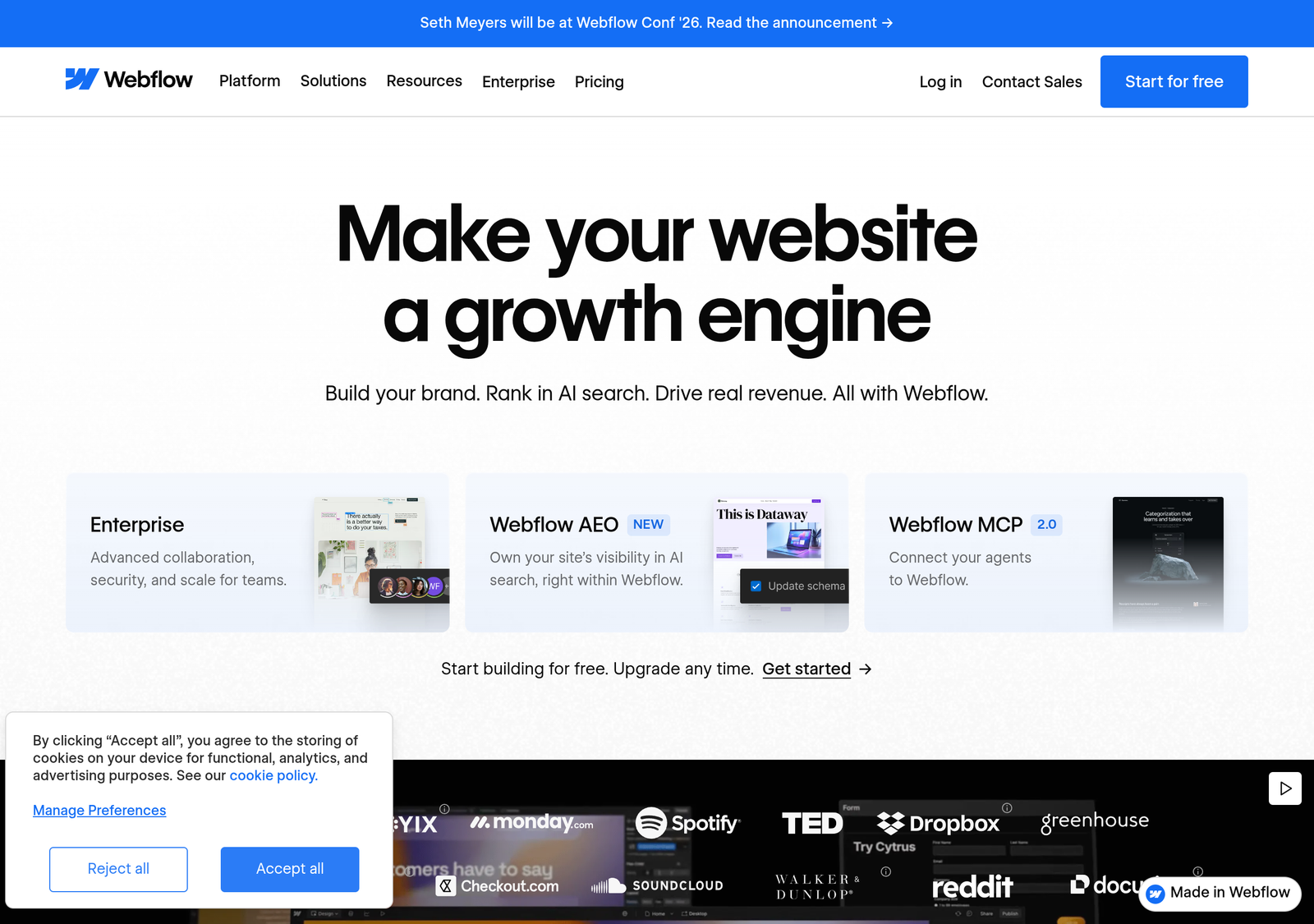
- StarterFree · 1 GB bandwidth
- Basic$15/mo yearly · no CMS
- Premium$25/mo yearly · with CMS
- WorkspaceBilled separately · Growth $49/mo
Official pricing page · Webflow review · Webflow vs Squarespace · Alternatives after the price rise
Framer
Best for designers who want motion and pixel controlA design tool that publishes sites

- Free$0 · 30 pages · 1 GB
- Basic$10/mo yearly · 50 GB
- Pro$30/mo yearly · 150 pages
- Extra editor$20/mo per seat
Hostinger Website Builder
Best for budget buyers who can prepayThe lowest realistic price, if you commit for years

- Premium$2.99/mo · 48-month term
- Renews at$10.99/mo (+268%)
- Unlimited$3.99 → $16.99/mo (+326%)
- Ecommerce$5.99 → $8.99/mo
Official pricing page · Hostinger review · Hostinger vs Cloudways
GoDaddy Website Builder
Price not verified in US dollarsNow an AI builder, with US pricing we could not confirm
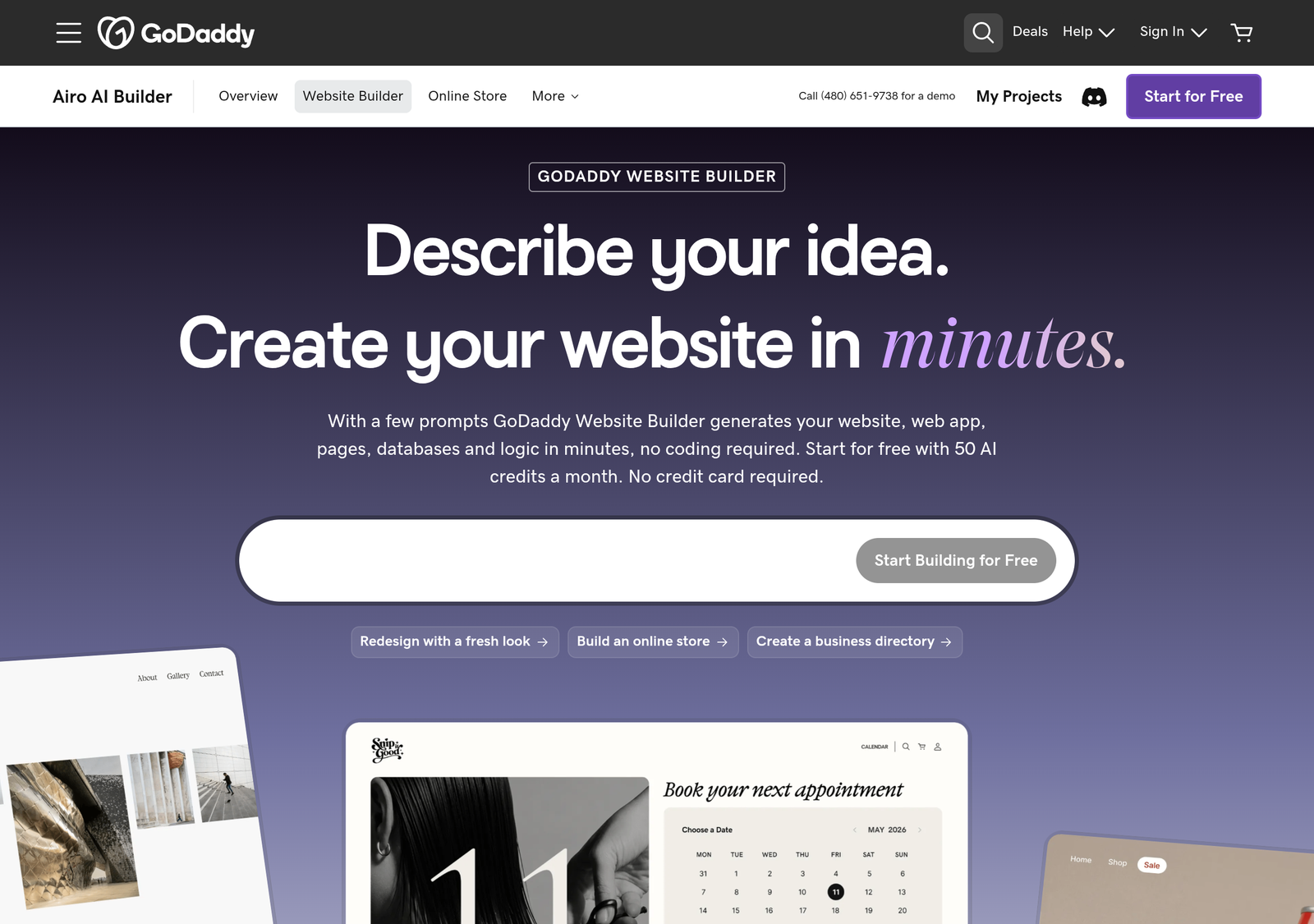
- Free50 AI credits a month
- Starter150 credits · 1 site
- Professional300 credits · 10 sites
- US priceNot verified
Weebly (Square Online)
Best for small, simple storesA simple builder with a shopping cart on every plan

- Free$0
- Personal$13/mo annual · $16 monthly
- Professional$15/mo annual · $20 monthly
- Performance$32/mo annual · $36 monthly
Stores, publishing, one-page sites and apps
Shopify
Best for stores at real volumeBuilt for selling, with the website as a side effect

- Basic$19/mo yearly · $25 monthly
- Grow$49/mo yearly · $65 monthly
- Advanced$299/mo yearly · $399 monthly
- Other gateway+2% / 1% / 0.6% / 0.2%
Official pricing page · Payment processing guide · Dropshipping without Shopify
WordPress.com
Best for blogs and content you may move laterHosted WordPress, with a fee on store sales that falls by plan
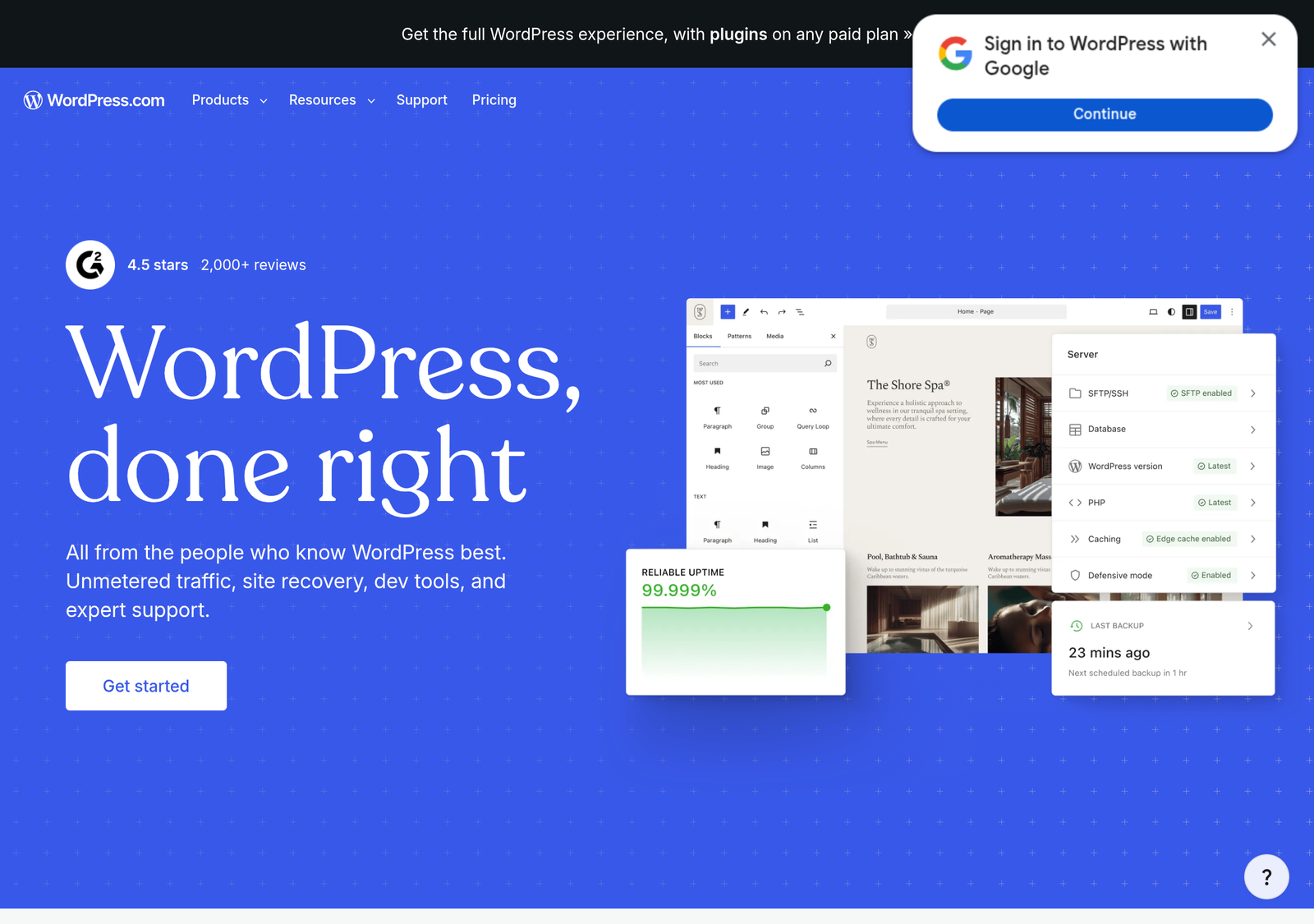
- Personal$4/mo yearly → renews $5
- Premium$8/mo yearly → renews $9
- Business$25/mo yearly → renews $28
- Commerce$45/mo yearly → renews $50
Official pricing page · Self-hosted WordPress: best web hosting
Ghost
Best for newsletters and paid membershipsA publishing platform with memberships built in

- Starter$18/mo yearly · 1,000 members
- Publisher$29/mo yearly · 3 staff
- Business$199/mo yearly · 10,000 members
- Platform fee0% on memberships
Carrd
Best for link-in-bio and landing pagesOne-page sites for almost nothing
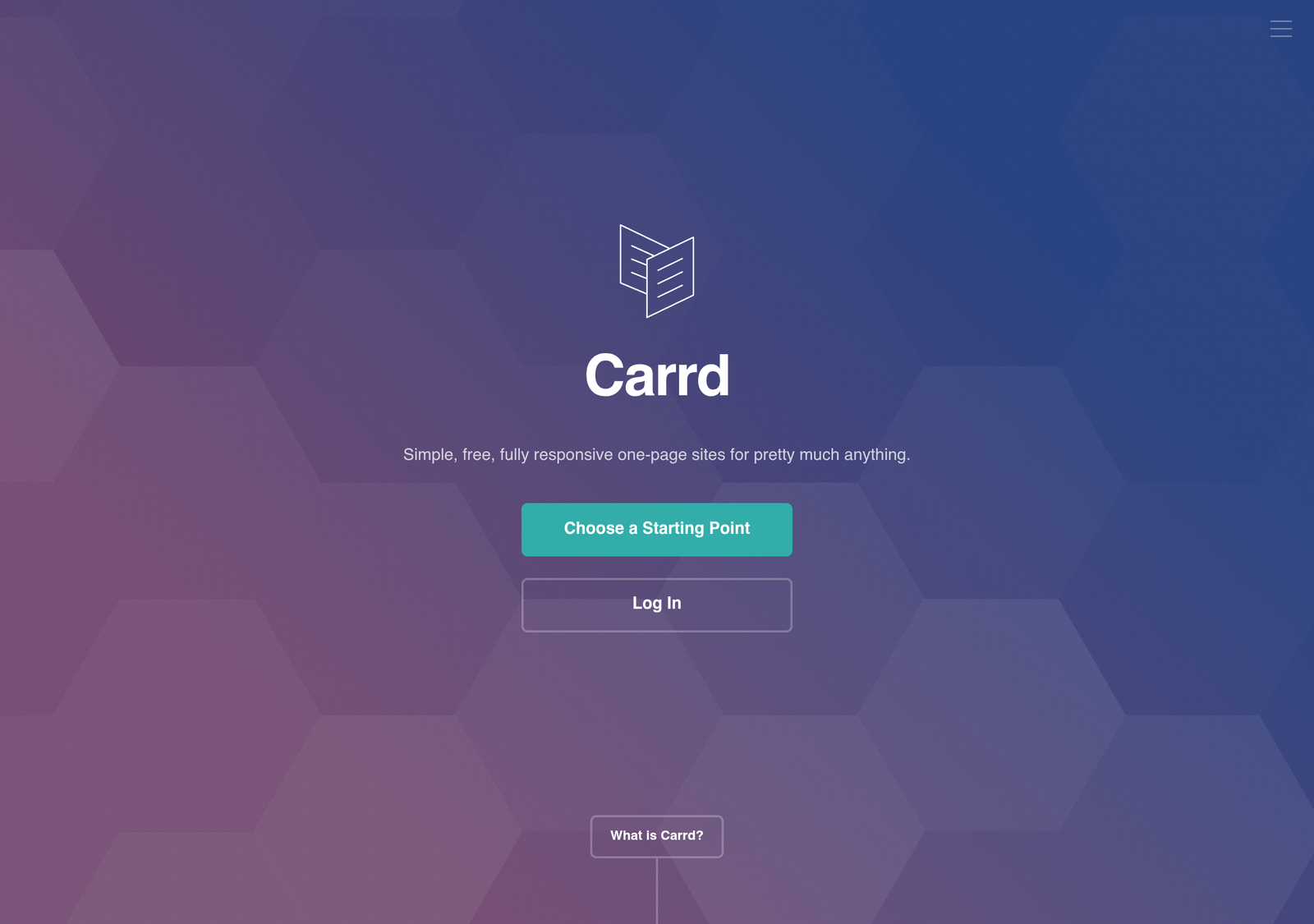
- Free$0 · 3 sites
- Pro Lite$9/yr · no custom domain
- Pro Standard$19/yr · custom domain
- Pro Plus$49/yr · 25 sites
Bubble
Best for building an applicationFor apps with logins and a database, not for pages people read
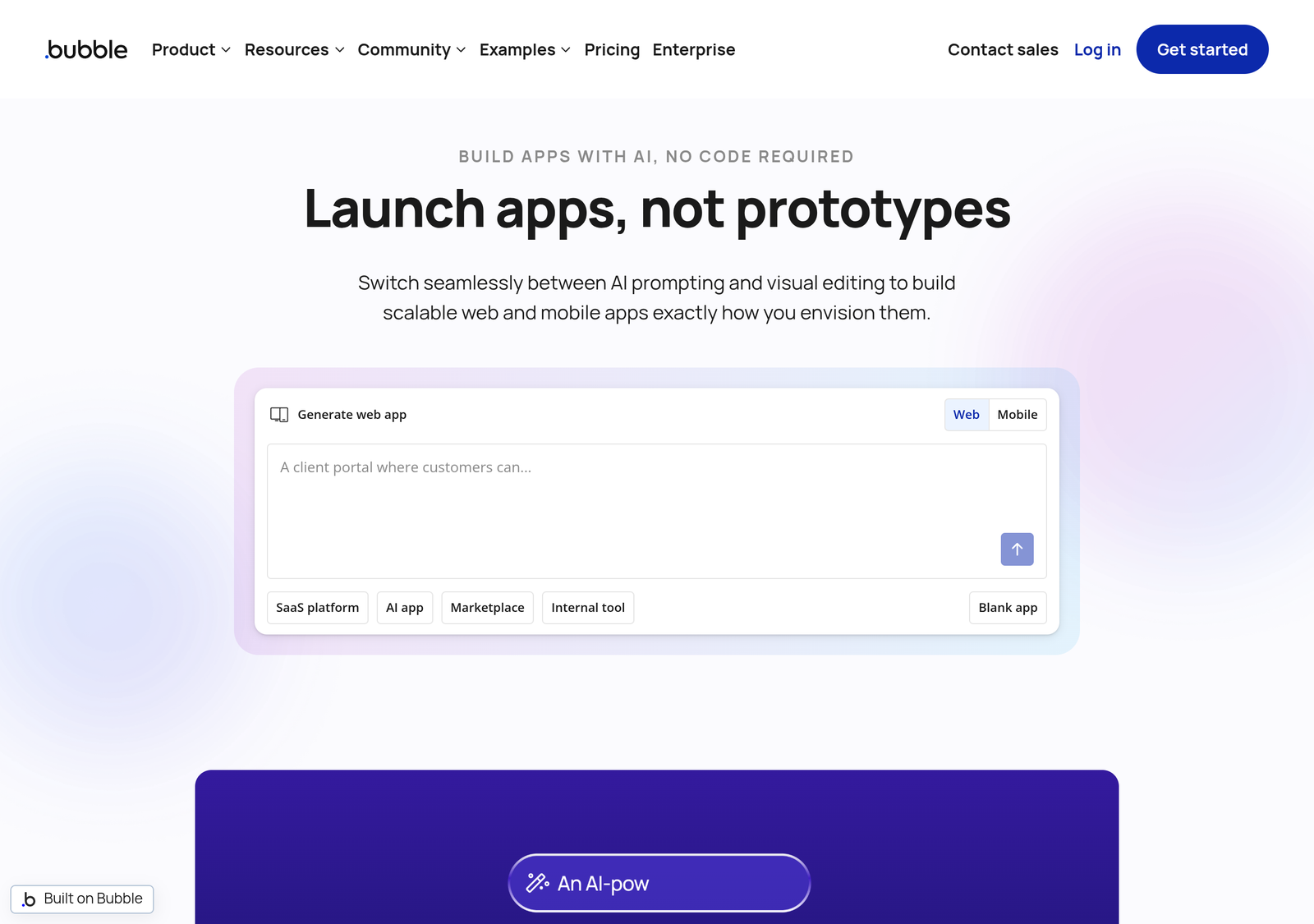
- Free$0 · 50K workload units
- Starter$59/mo annual · 175K units
- Growth$209/mo annual · 250K units
- Team$549/mo annual · 500K units
Site or App: Which Job Do You Have?
This is the question most roundups skip. A site presents information: pages, a blog, a portfolio, a product catalog. An app stores data and does things when a user acts: accounts, permissions, bookings, a marketplace. Squarespace, Wix, Webflow, Framer, Shopify, WordPress.com, Ghost and Carrd all build the first kind. Bubble builds the second kind.
Webflow’s CMS can hold structured content such as a directory or job board, but it has no database logic for user-generated data. If the project needs sign-ups, stored records and workflows that respond to what a user does, you are choosing Bubble or custom development, not a site builder. Bubble prices by workload units, so cost follows usage: cheap for a quiet internal tool and a real risk if the app becomes popular.
If you are not sure, ask whether people mostly read it or mostly use it. Reading means a site builder. Using, logging in and saving things means an app builder. Several builders are also adding AI generation, which blurs the line, but the underlying question of whether you need a database and accounts stays the same.
Costs That Do Not Show on the Price Tag
- Renewal increases. WordPress.com Personal starts at $4 a month on yearly billing and renews at $5. Hostinger Premium starts at $2.99 and renews at $10.99 (+268%); Unlimited goes from $3.99 to $16.99 (+326%). Squarespace, Wix and Webflow list one price per billing term.
- Platform fees on sales. Squarespace charges 2% on store sales and 7% on digital content on Basic (0% and 5% on Core, 0% and 0% on Advanced). WordPress.com charges 10%, 8%, 4%, 2% and 0% from Free up to Commerce. Shopify adds 2%, 1%, 0.6% or 0.2% by plan if you use another payment provider. Ghost and Hostinger state 0%.
- Seats. Framer charges $20 a month per extra editor on Basic and Pro. Webflow bills Workspace plans separately from site plans; Growth is $49 a month billed yearly. Our Webflow review works through the multi-seat math.
- Storage limits. Wix Light includes 2 GB and 2 collaborators; WordPress.com Personal includes 6 GB and Premium 13 GB.
- Free domain is for the first year. Wix and WordPress.com include a domain for the first year only; after that you pay the registrar’s renewal price.
- AI credits. GoDaddy’s plans are measured in AI credits per month (50, 150 and 300 across Free, Starter and Professional).
Can You Leave? Export and Cancellation
This is the least-documented part of the category, so here is only what each vendor’s own help pages state.
| Builder | If you want to leave | If you stop paying |
|---|---|---|
| Wix | Cannot be exported to another host; the site must run on Wix’s servers | Stays online on a free Wix address with Wix ads; content kept |
| Squarespace | See our migration guide for what transfers | Hidden from visitors and search engines 15 days after a failed renewal charge; no deletion date stated |
| Webflow | HTML and CSS export on a paid Workspace plan; CMS items cannot be exported | See our review |
| Ghost | Content as JSON, members as CSV, themes as ZIP | No policy found on Ghost’s pages |
| Carrd | Source-code ZIP on Pro Plus or higher; forms will not work in it | Not stated on the pages we read |
For the others, treat export as limited unless the vendor states otherwise. Our guides to migrating off Wix, Squarespace or Webflow and no-code vendor lock-in cover what transfers and what breaks.
How to Choose
- Decide site, store, publication or app first. If the project needs accounts and a database, you are choosing Bubble or custom development.
- Decide how permanent the choice is. If you might move later, favour WordPress.com, Ghost or Webflow over Wix.
- Price the third year, not the first. Use the calculator and look at renewals, store fees and seats.
- For a store, match the plan to your sales. Lower plans carry higher platform fees; the cheapest plan changes with volume.
- For design control, test before you pay. Webflow and Framer both have free plans; spend an evening in one before committing.
- Check the live price. Prices differ by country and change often, and several vendors show different numbers than a year ago.
Who Should Not Use Each One
- Skip Wix if you might move to another platform later.
- Skip Squarespace Basic if you sell products or digital content; the fees overtake the upgrade.
- Skip Webflow if you need a site live this week and have no design background.
- Skip Framer for a team sensitive to per-seat billing.
- Skip Hostinger’s cheapest price if you will not commit for four years.
- Skip GoDaddy until you have confirmed the live US price and renewal rate.
- Skip Shopify for a content-first site where selling is secondary.
- Skip WordPress.com’s lower plans as a store because of the transaction fees.
- Skip Ghost for a general small-business site.
- Skip Carrd if you need more than one page, a blog or a store.
- Skip Bubble for anything people simply read.
Frequently Asked Questions
Is Bubble a website builder like Squarespace or Wix?
No. Squarespace, Wix, Webflow and the others produce sites: pages, blogs, stores. Bubble produces applications with a database, user logins and workflow logic. The pricing reflects it: flat plans for the site builders and usage-based workload units for Bubble.
Do website builders include hosting?
Yes. Every builder on this page includes hosting in its plan price; you do not buy it separately. If you want to choose your own host, that is a different path, covered in our best web hosting guide.
Which website builder is cheapest?
For one page, Carrd at $19 a year. For a multi-page site over three years, Hostinger’s 48-month plan and WordPress.com’s yearly plan cost the least, but Hostinger needs a four-year prepay and both renew higher. Over longer periods the gap narrows. Use the calculator for your own numbers.
Is there a really free plan?
Wix, WordPress.com, Webflow, Framer, Carrd, Weebly, GoDaddy and Bubble all list free plans with limits (no custom domain on several). Squarespace offers a 14-day trial instead, Shopify a 3-day trial then $1 a month for 3 months, and Hostinger a 30-day money-back guarantee.
Can I use my own domain on a free plan?
Generally not. Carrd’s free plan has no custom domain, and Weebly requires the Personal plan or higher to connect one. Bubble’s free plan also excludes custom domains.
What happens to my site if I stop paying?
It varies and is poorly documented. Wix keeps the site online on a free address with ads. Squarespace hides the site 15 days after a failed renewal charge. See the table above, and check the vendor’s current help pages before relying on it.
Which builders let me export my site?
Ghost exports content, members and themes. Webflow exports HTML and CSS (not CMS items) on a paid Workspace plan. Carrd allows a source download on Pro Plus. Wix does not allow export to another host. For the rest, see our migration guides.
Are there transaction fees on top of card processing?
On some platforms. Squarespace Basic charges 2% on store sales, WordPress.com charges up to 10% on lower plans, and Shopify adds a fee if you use another payment provider. Ghost and Hostinger state 0% platform fees. Card processing itself usually starts around 2.9% + 30¢; see our payment processing guide.
Should I pick Squarespace or Webflow?
Squarespace if you have no design background and want a professional result fast. Webflow if the design must be exact and you will learn how layout works. See the full comparison.
What if my site might need app-like features later?
Plan a separate tool rather than expecting a site builder to grow into one. Most can embed forms and basic interactivity, but none is built for a database with user accounts. If an app is likely, prototype that piece in Bubble from the start.
How We Assessed These
Every price on this page comes from the vendor’s own pricing page, read on October 3, 2026. We loaded the pages as they render in a browser and read plan names and prices directly. Two limits: Wix shows prices by country and adds regional tax, so the US figures are the pre-tax annual prices shown on its page; and GoDaddy’s page showed rupees and blocked the US view, so we do not state a US price. Export and cancellation statements come from the vendors’ help pages. We have reviewed Squarespace, Webflow, Bubble and Hostinger ourselves; the other builders are covered from their pricing and help pages only, and we have not hands-on tested them for this page. We do not score the builders against each other on one scale, because they do different jobs. The calculator uses published prices and your inputs; it is an estimate, not a quote. Disclosure: some links on this page may be affiliate links; that has no bearing on which tool is recommended for which job.
Related
- Squarespace review · Webflow review · Bubble review · Hostinger review
- Webflow vs Squarespace · Webflow alternatives after the price rise
- Migrating off Wix, Squarespace or Webflow · No-code vendor lock-in
- Squarespace SEO limits · Squarespace to WordPress · Cancel Squarespace
- Best payment processing software · Best web hosting · Best AI tools