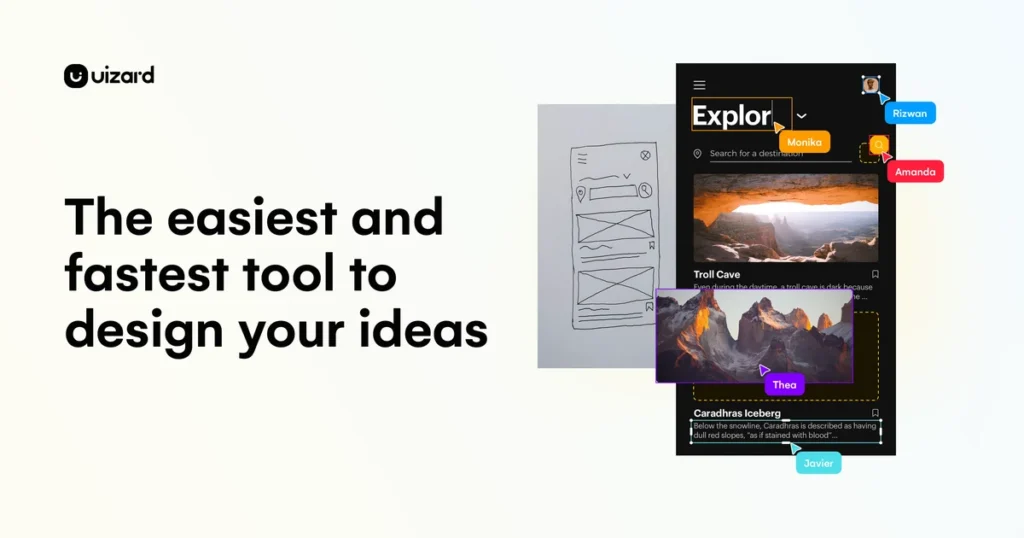
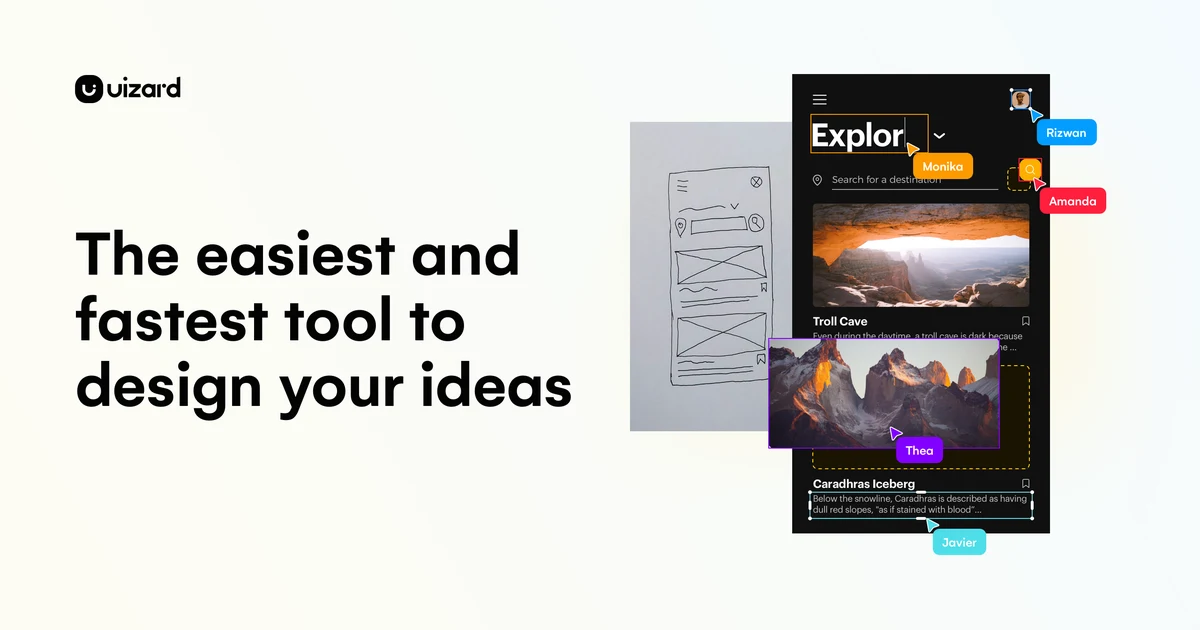
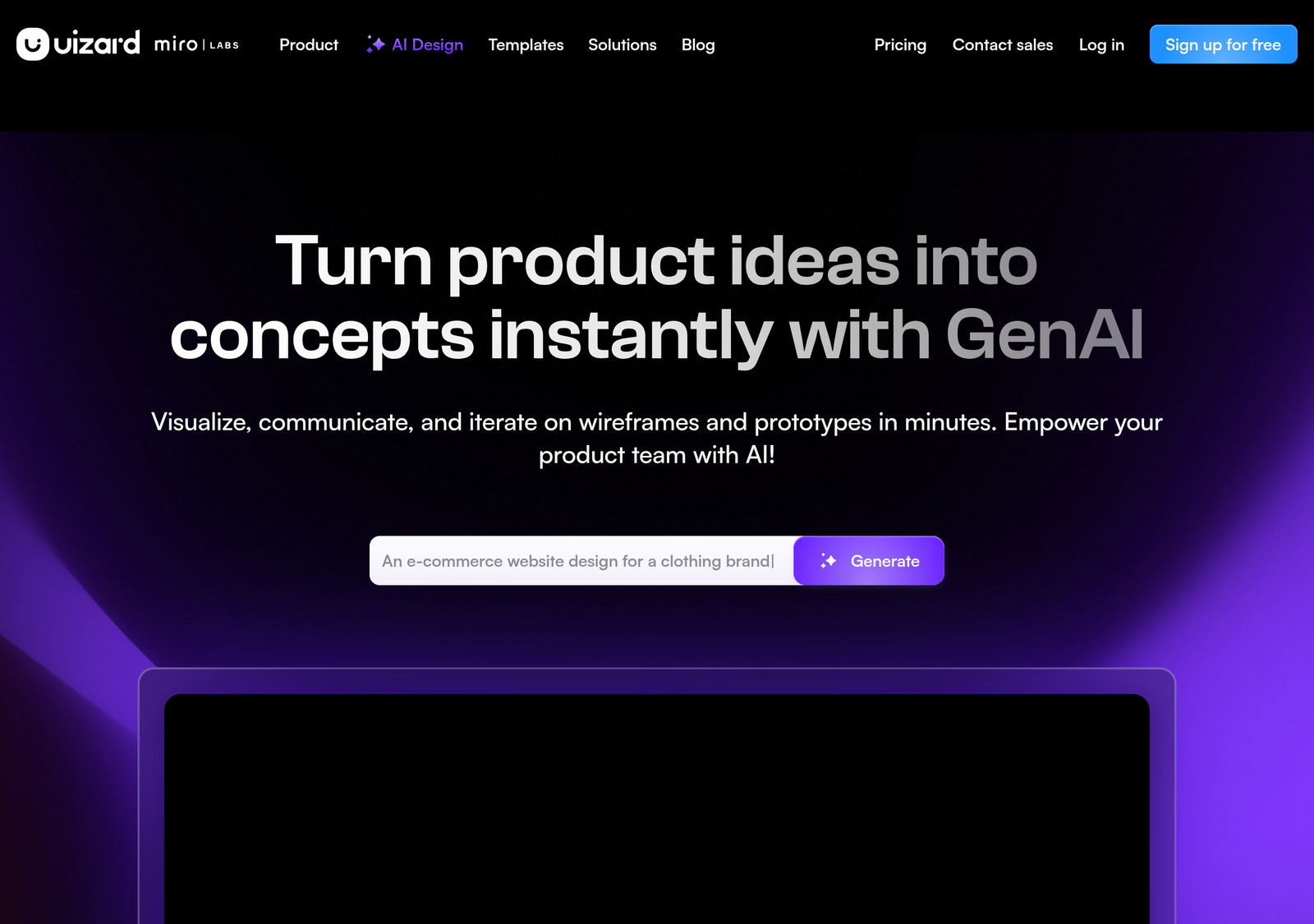
Uizard turns a text prompt, a phone-camera photo of a napkin sketch, or a screenshot of a competitor’s app into an editable UI mockup. That part works about as advertised. What the marketing page doesn’t mention: Capterra’s 193 reviews include a recurring complaint about losing entire projects with no way to recover them — one reviewer says the bug has gone unfixed for two years. This review covers both sides.
- Text, sketch, and screenshot input all generate a usable editable mockup
- Pro tier is $12/month for 500 generations and code handoff — a low entry price
- Genuinely low learning curve; Capterra reviewers consistently call it beginner-friendly
- A recurring, unresolved Capterra complaint: projects lost with no backup recovery
- AI output described by reviewers as generic or prompt-missing often enough to matter
- Google Stitch offers comparable generation for free, undercutting Pro entirely on price
Scored under our PROOF methodology — the full five-pillar breakdown, including the reliability finding above, is below the pricing section.
What Uizard actually does
You describe a screen in text, sketch it by hand, or upload a screenshot of something that already exists, and Uizard generates an editable mockup from it. The pitch is speed: skip the blank canvas, start from something close to what you meant, then refine. It ships as a browser app with real-time collaborative editing, closer in spirit to Figma than to a static wireframing tool.
| Feature | What it does |
|---|---|
| Text-to-design | Describe a screen and get a generated UI mockup |
| Screenshot-to-design | Upload an existing app or website screenshot and get an editable version |
| Hand-drawn sketch conversion | Turn a rough wireframe sketch into a digital mockup |
| Collaborative editing | Team-based design editing, similar in spirit to Figma’s collaboration model |
None of this replaces a finished design system. Uizard’s own positioning is “get to a working prototype fast,” and that’s the honest scope — professional teams shipping production UI still rebuild the real thing in Figma once the concept is proven.
Pricing, verified against Uizard’s own page
| Plan | Price | AI generations/month | Projects |
|---|---|---|---|
| Free | $0 | 3 | 2 |
| Pro | $12/mo (billed annually) | 500 | Up to 100 |
| Business | $39/mo (billed annually) | 5,000 | Unlimited |
| Enterprise | Custom | Unlimited | Unlimited |
Three generations a month is a trial allowance, not a plan you can actually work in — a single real screen can burn through it in one sitting. Pro’s jump to 500 generations is where Uizard becomes usable day to day, and it’s also the tier where Autodesigner 2.0 (Uizard’s newer, more capable generation engine) and React/CSS developer handoff unlock. The free tier still runs the older engine. Anyone evaluating the free plan should treat it purely as “does this tool’s output style match what I’m picturing,” not as a real working budget.
Which Uizard plan fits your usage?
Answer four questions. The score breakdown behind the pick is shown below — nothing hidden.
Light, occasional use fits inside the free tier’s trial allowance.
Method: each answer adds points to one or more plans (bars show Free / Pro / Business / Enterprise, left to right). The highest-scoring plan is recommended; ties go to the cheaper plan. Prices are Uizard’s published rates from the pricing table above, taken directly from Uizard’s own pricing page, verified August 2026.
PROOF Score: what the evidence actually supports
Overall: 7.2 / 10 — Recommended, with one caveat serious enough that it belongs in the headline, not buried in the fine print.
The gap between "4.6 stars" and "3.0 on Reliability" is the point of scoring this way instead of just repeating the star rating. An aggregate score answers "do most people like it." It doesn't answer "is there a specific way this breaks that could cost me weeks of work." For a design tool, that's the question that actually matters before you commit real projects to it. If Uizard is where finished work will live, export or duplicate your project regularly rather than trusting a single copy.
Real-world use cases
- A non-technical founder pitching an app idea describes the screens in text and gets an editable mockup in minutes — enough to communicate the concept to investors or a development team without hiring a designer first.
- A product manager sketching a feature on paper during a meeting converts the hand-drawn wireframe into a digital mockup afterward, skipping the step of manually recreating it in a design tool.
- A small team prototyping before committing design resources uses Pro to iterate on several concepts, then hands the winning direction to a designer to rebuild properly in Figma.
Who it's actually for
Non-designers who need to communicate a UI concept fast — founders, product managers — and small teams prototyping before a real design pass. Professional designers building production systems will still reach for Figma as the primary tool; Uizard's realistic role there is early-stage exploration, not final output.
Uizard vs. Figma
| Uizard | Figma | |
|---|---|---|
| Best for | Fast AI-generated prototypes | Precision design and production-ready systems |
| Learning curve | Low — built for non-designers | Steeper, built for design professionals |
| AI generation | Core feature, from the free tier up | Limited or plugin-based |
| Entry price | $0 free, $12/mo Pro | Free tier available; paid tiers separately priced |
Uizard vs. Google Stitch (formerly Galileo AI)
Uizard's closest AI-generation competitor was Galileo AI — which no longer exists as a standalone product. Google acquired it and folded it into Google Stitch, currently free during its beta with daily generation limits and no paid tier. See our Galileo AI review for the detail. Practically, that makes the price comparison lopsided: Stitch is free, Uizard starts at $12/month for meaningful use. The trade is Uizard's more mature project management and collaborative editing against Stitch's zero cost and Google/Gemini backing. Weigh that against the reliability finding above — neither tool has Uizard's two-year-old open bug fixed for you.
Frequently asked questions
Can Uizard export production-ready code?
It generates React/CSS handoff from the Pro tier up, but most teams treat this as a prototyping starting point rather than final production code.
Does Uizard replace a professional designer?
For early concept work, it can genuinely speed things up. For a polished, production-ready product, most teams still bring in design expertise for the final pass.
Is the free tier worth trying before paying?
Yes, specifically for evaluation — three generations is enough to see whether the output style fits, not enough to actually work in day to day.
Has Uizard fixed the data-loss issue reviewers report?
We could not confirm a fix as of this writing. If your work matters, export or duplicate projects regularly rather than relying on Uizard as the only copy. This applies to any browser-based design tool, but the specific, repeated Capterra reports make it worth stating plainly here.
Should you buy Uizard?
- Try the free tier first to check whether the output style fits — expect to burn through the three generations quickly.
- Buy Pro if you need Autodesigner 2.0, code handoff, or more than a couple of active projects — $12/month is a low entry price for regular use.
- Compare against Google Stitch first if budget is the deciding factor for pure exploration — it's free with comparable generation, though still beta-limited.
- Back up your work regardless of plan. This is the one non-negotiable given the Capterra pattern above.
- Don't expect it to replace Figma for production systems — treat it as a fast step before a proper design pass.
How we assessed this
Pricing is taken directly from Uizard's own pricing page, verified August 2026. Field-evidence findings are drawn from Capterra's published review aggregate (193 reviews, 4.6★) and its stated 1–2 star and 5-star review summaries, current as of this writing — not first-hand testing by this site. Disclosure: this page contains no affiliate links currently; the product URL is a plain link.
Related
- Best AI tools, sorted by job
- Galileo AI review — now Google Stitch, and free
Alternatives worth comparing