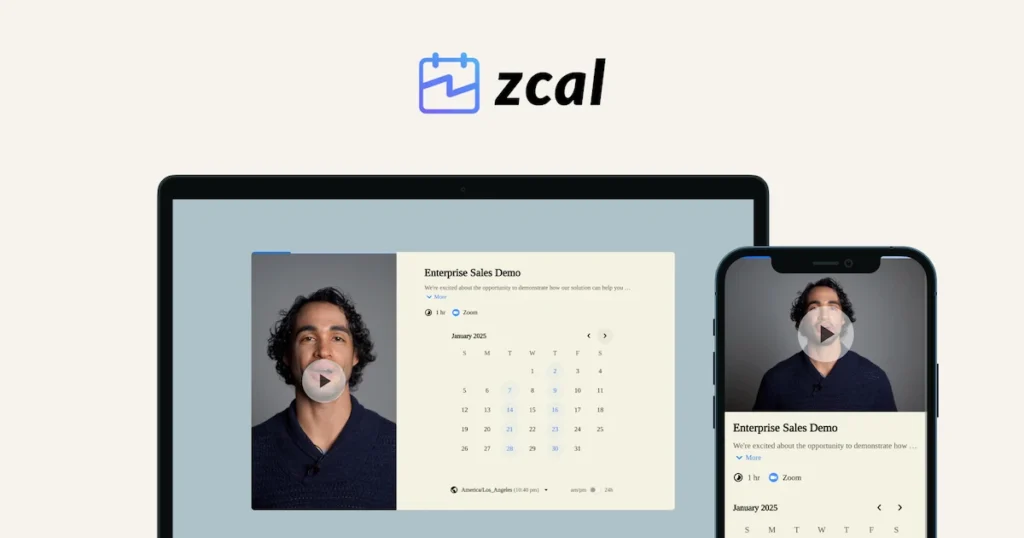
Zcal is a free scheduling-link tool — think a lighter, no-cost alternative to Calendly, built around simple booking pages you can share with a link. Here’s our take on where it fits and what to check before relying on it.
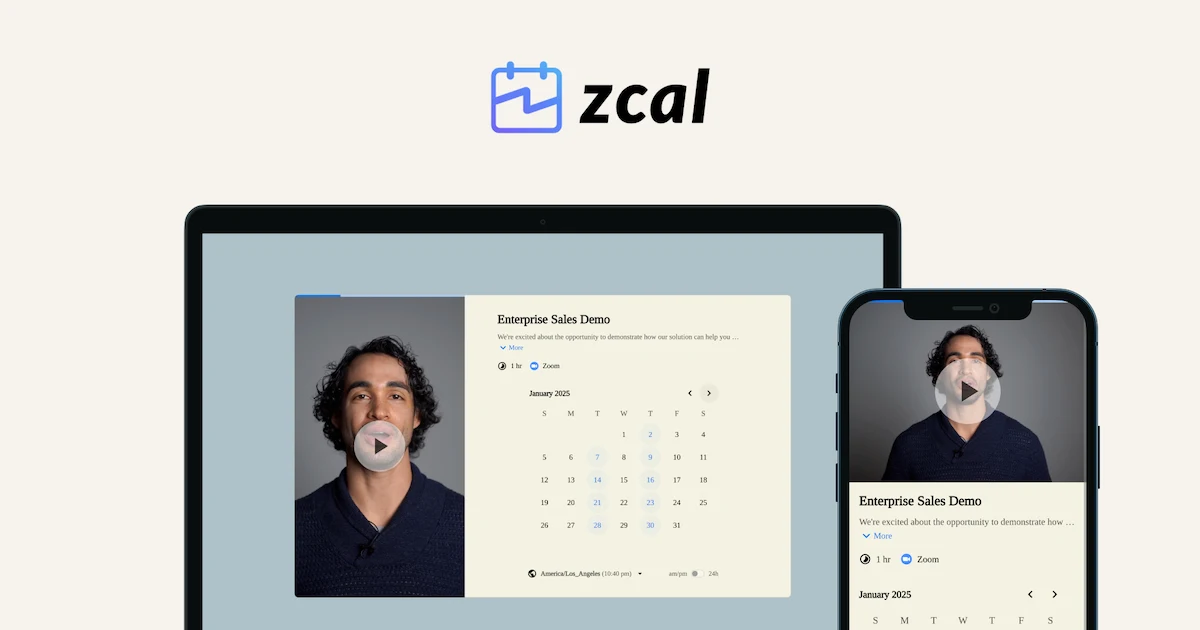
- Clean interface with a simple, fast setup
- Calendar sync with Google/Outlook prevents double-bookings in real time
- One sharply negative review reports poor support and polished-looking details that “break under real use”
- Missing team-booking tools, multilingual support, and bulk editing
What Zcal Does
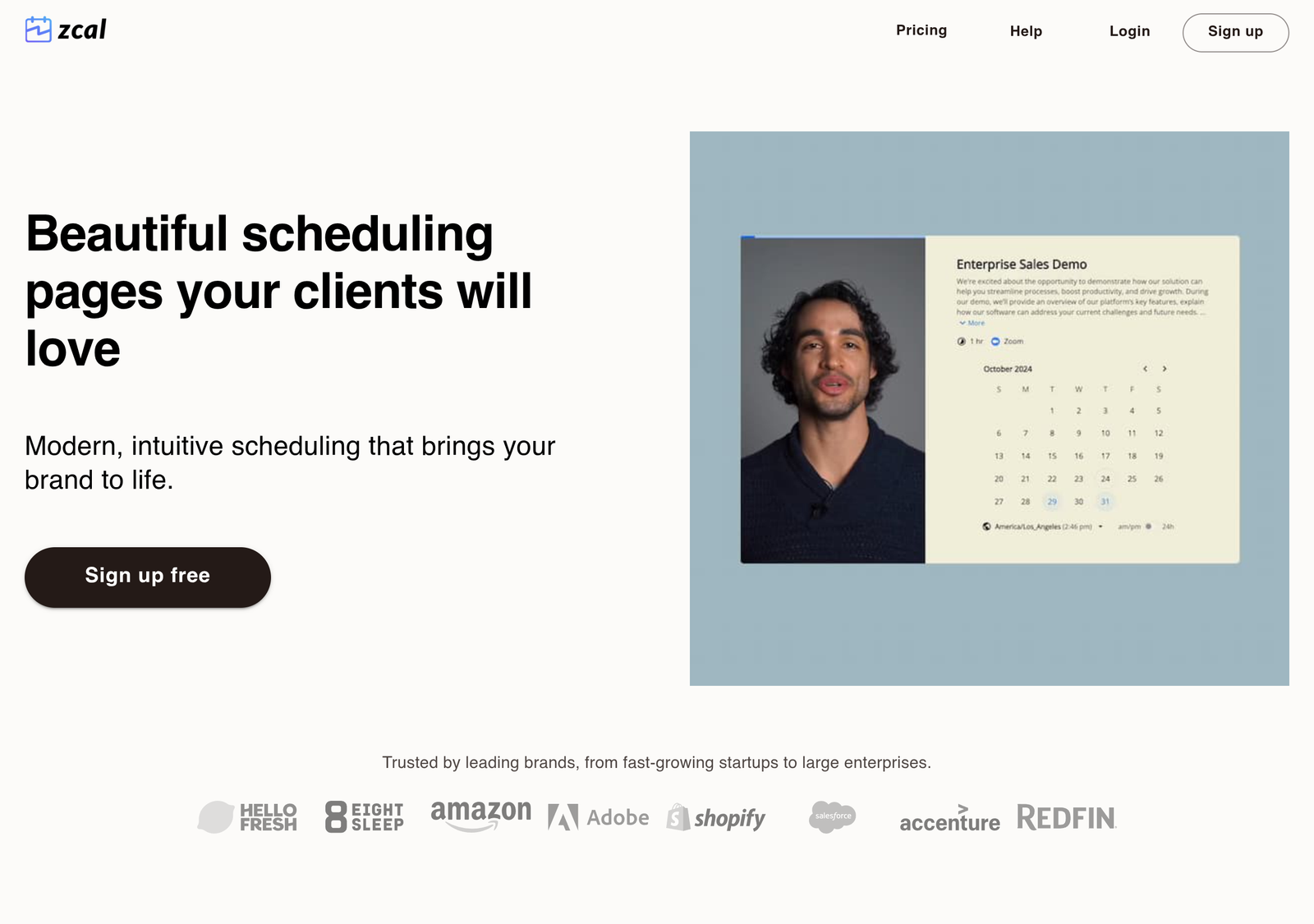
Zcal lets you connect your calendar and generate a booking page or link that others can use to schedule time with you, without the back-and-forth of email scheduling. It’s positioned as a lightweight, free-first alternative in a category where most competitors gate core features behind a subscription.
On Pricing, Directly
Zcal’s own site leads with a free signup, consistent with its free-first positioning — but we were not able to independently confirm a detailed breakdown of paid tiers or feature limits by checking its pricing page directly at the time of writing. Scheduling tools in this category frequently introduce or restructure paid tiers over time as they scale, so treat any specific claim about Zcal’s current tier structure — including older versions of this article, and including competitor comparison sites — with appropriate skepticism, and confirm directly on zcal.co before making a decision that depends on a specific feature being free.
Lifetime Deal Break-Even Calculator
We could not confirm that Zcal even sells a one-time “lifetime” tier, or what it costs, as of this writing — Zcal’s core pitch is a free plan, not a lifetime deal. If you find a paid one-time offer, enter its price below alongside what you’d otherwise pay monthly for a comparable tool, and this will do the math for you. Nothing here is a claim about Zcal’s actual pricing.
Method: break-even = one-time price ÷ your monthly cost, rounded up to the next whole month. Savings = (monthly cost × months) − one-time price; a negative number means the subscription would have cost you less over that period. Both figures are entirely yours to set — we have not pre-filled a price for Zcal because we could not verify one exists, and we’re not asserting a “typical” monthly cost for the alternative either.
Real-World Use Cases
- A freelancer who just needs a "book time with me" link signs up for Zcal's free tier for exactly that purpose, without committing to a subscription or a lifetime-deal purchase decision.
- Someone comparing Zcal against TidyCal finds TidyCal's pricing independently verifiable and Zcal's not, and treats that gap itself as a data point when deciding which free-first scheduling tool to trust for a real workflow.
- A user whose needs grow into team scheduling hits the point where Zcal's lightweight, largely-unverified feature set stops being enough, and re-evaluates against Calendly or Cal.com rather than assuming Zcal scales with them.
What to Check Before You Commit
- Calendar integration — confirm it connects cleanly with the calendar provider you actually use (Google Calendar, Outlook, etc.) before relying on it for real bookings.
- Team/multi-user support — if you need shared team scheduling rather than one person's booking link, check whether that's supported and at what tier.
- Customization limits — free scheduling tools often cap how much you can brand or customize the booking page compared to paid competitors.
- Longevity and current pricing — free tools in this category sometimes introduce paid tiers later, or restructure existing ones; check the current pricing page directly rather than relying on this review, or any other, for exact current terms.
How It Compares to the Category
Calendly remains the category's dominant paid player, with Cal.com as a popular open-source alternative for teams wanting self-hosting or deeper customization. Zcal's pitch is simplicity and cost — it's worth trying specifically if you want a booking link without committing to a subscription, and re-evaluating against Calendly or Cal.com if your needs grow into team scheduling or heavy customization neither a lightweight nor a self-hosted tool handles as well.
Who It's a Good Fit For
Solo professionals, freelancers, and anyone who just needs a simple "book time with me" link without team features or deep CRM integration are the best fit. Teams with more complex routing or booking-workflow needs should compare directly against Calendly and Cal.com before choosing, since that's where a lightweight tool's limits tend to show up first.
Pros and Cons
| Pros | Cons |
|---|---|
| Free-first positioning fits a simple, no-subscription "book time with me" use case well | We could not independently confirm a detailed breakdown of paid tiers or feature limits from Zcal's own pricing page |
| No commitment or purchase decision required to try it | Team/multi-user support status could not be confirmed |
| Lightweight and simple compared to heavier competitors like Calendly | Unlike TidyCal, whose pricing this review could verify directly, Zcal's current terms remain genuinely uncertain |
| Zero financial risk to trying it, given the free entry point | Customization and calendar-integration limits weren't confirmed and should be checked directly before relying on it |
Detailed Analysis
What the pricing uncertainty itself tells you
Most reviews on this site can verify pricing directly against a vendor's own page; this one couldn't, and that gap is worth treating as information rather than glossing over. It doesn't mean Zcal is untrustworthy — plenty of legitimate free-first tools simply don't maintain a clear, detailed pricing page because their core offering genuinely is free. But it does mean anyone considering Zcal for something more than casual, low-stakes use should confirm current terms directly before building a real workflow around it, rather than assuming this review's account of "mostly free" will still be accurate by the time they check.
Free-first tools earn trust through verifiability, not just price
Being free is a real selling point, but it's not the only thing that matters when choosing a scheduling tool you'll rely on regularly. TidyCal's specific, independently-verifiable pricing structure — even though it includes paid tiers — arguably makes it the more trustworthy pick for someone who wants to know exactly what they're getting today and won't be surprised later. Zcal's appeal is genuine simplicity and cost, but it comes with more unknowns than this review would ideally want to hand a reader making a real decision.
Our Rating, and How We Reached It
| Criteria | Score | Why |
|---|---|---|
| Core scheduling functionality | 7/10 | Does the basic "generate a booking link" job well, based on its own site and category positioning. |
| Pricing transparency | 3/10 | Could not independently confirm a detailed breakdown of paid tiers or feature limits at the time of writing. |
| Suitability for casual, low-stakes use | 8/10 | Zero financial risk and no commitment required makes it an easy, low-cost tool to simply try. |
| Suitability for a real, ongoing workflow | 4/10 | The pricing and feature uncertainty is a real liability for anyone building a dependency on it long-term. |
Overall: 5.5/10. Scored with an explicit penalty for unverifiable pricing — the core idea is sound and low-risk to try, but this review can't responsibly rate it higher without a reliable account of what it actually costs at scale. Confirm current terms directly on zcal.co before relying on it for anything beyond casual use.
PROOF Score
Overall: 5.8 / 10 — Conditional. Scored under our PROOF methodology — five checkable pillars, not a vibe.
Should You Try Zcal?
- Try it if you just need a simple, free booking link and are comfortable with some uncertainty about longer-term pricing.
- Confirm current terms directly on zcal.co before building a real workflow around it — this review, and others, could not verify a complete current pricing breakdown.
- Choose TidyCal instead if independently-verifiable pricing matters to you — its free and paid tiers are both directly confirmed, even though it isn't free-only.
- Re-evaluate against Calendly or Cal.com the moment your needs grow into team scheduling or complex routing.
Frequently Asked Questions
Is Zcal really free?
Its core scheduling-link functionality is presented as free on its own signup flow. We could not verify a complete, current breakdown of whether any features sit behind a paid tier — check the current site directly before assuming a specific feature is included at no cost.
Does it work for teams, not just individuals?
We could not confirm current team-support status independently. Confirm directly with Zcal before choosing it for a multi-person scheduling need, since this is exactly the kind of feature that tends to be tier-gated in this category even when the core product is free.
How does it compare to TidyCal?
Both take a similar "generous free tier plus paid upgrade path" approach to the category, though we were able to verify TidyCal's specific pricing directly ($0 free, $29-79 lifetime, $12/mo Pro) and could not do the same for Zcal at the time of writing — see our TidyCal review for that detail.
Disclosure: some links on this page may be affiliate links. If you purchase through them we may earn a commission at no extra cost to you. Pricing and features change — verify current details directly with the vendor before purchasing.
Compare with a popular alternative
Free (paid tier details unverified)
Stronger at: Free-first positioning with zero financial risk or purchase decision required to try it
Main limitation: Paid tier structure and team support could not be independently confirmed from Zcal's own pricing page
Free; $29-79 lifetime; $12/mo Pro
Stronger at: Independently verifiable pricing across free, lifetime and Pro tiers
Main limitation: Not a fully free tool — lifetime and Pro tiers carry a real cost
Alternatives worth comparing