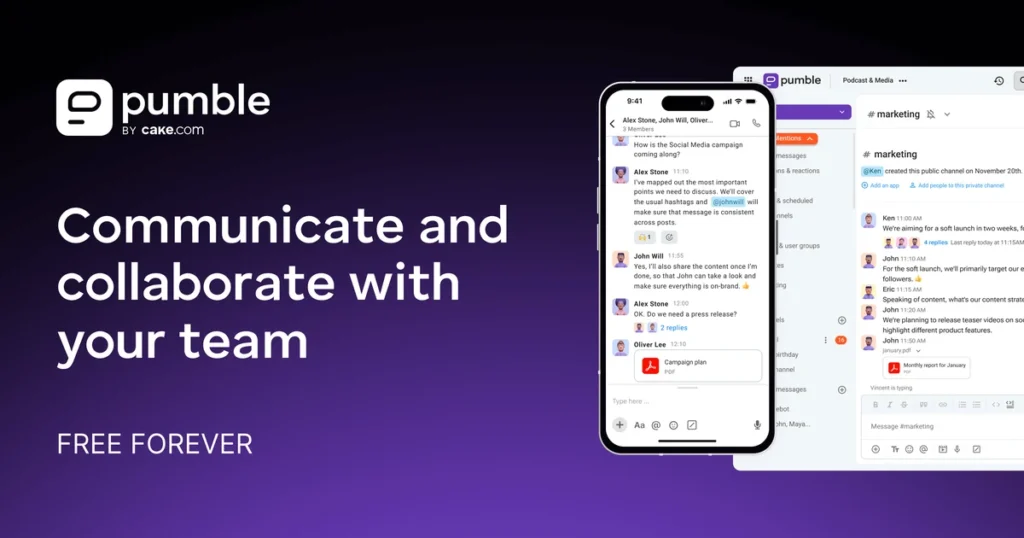
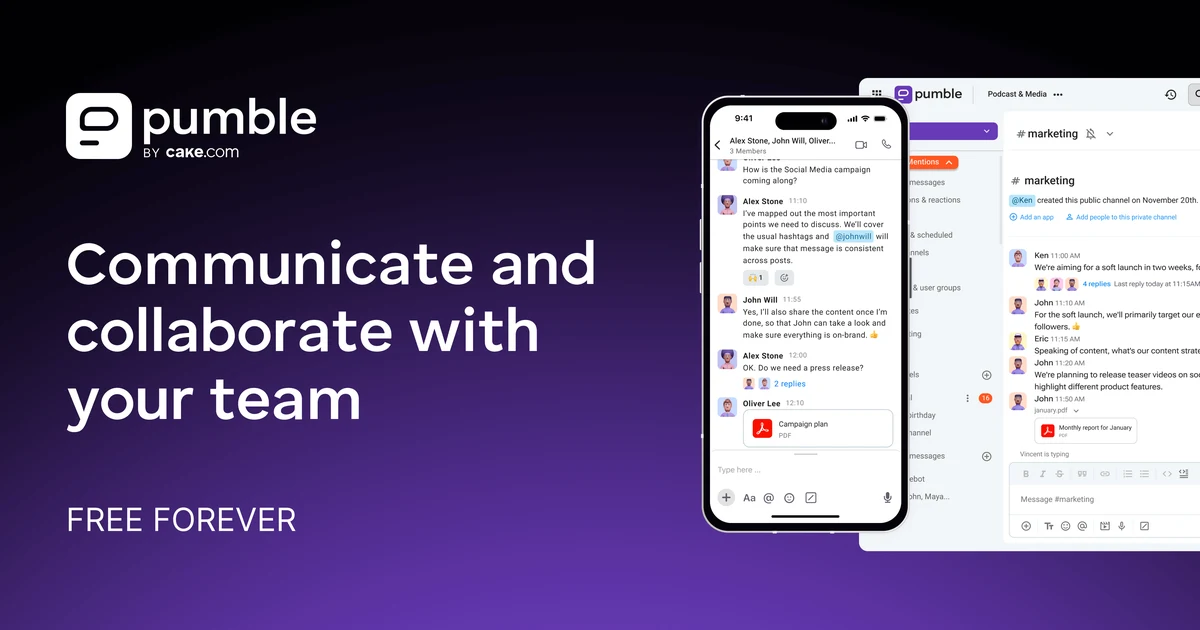
Executive answer: Pumble’s free plan does something almost no team chat app does. It keeps unlimited message history and unlimited users at zero cost. It throws in 10 GB of shared storage too. Slack’s free tier caps history at 90 days and storage at 5 GB. That gap alone makes Pumble worth trying for any small team that has outgrown email. The catch isn’t price. It’s reliability. Independent uptime tracking shows a real pattern of outages over the past two years. Several reviewers report the same specific complaint: video calls that fail to connect on the first try.
Quick Verdict
| Best for | Small teams that want Slack-style chat with no history limit, and don’t rely heavily on video calls |
| Not ideal for | Teams that lean on frequent video meetings, or that need deep third-party integrations today |
| Biggest strength | Free tier has no user cap and no message-history limit. That’s rare in this category. |
| Biggest weakness | Recorded outages and repeat video-call connection complaints in independent reviews |
| Value for money | Excellent at Free and Pro. Still solid at Business next to Slack’s per-seat pricing. |
| Overall | Recommended for chat-first teams. Go in aware of the reliability trade-off. |
- Free plan keeps unlimited message history and unlimited users, unlike Slack’s 90-day cap
- 24/7 human support is included on every plan, including Free
- Independent status monitoring shows a real pattern of outages over the past two years
- Multiple reviewers report video calls failing to connect on the first attempt
What Pumble Actually Is
Pumble is a Slack-style team chat app. It’s built by CAKE.com, the same company behind the time-tracking tool Clockify and the project tool Plaky. The pitch is simple: channels, direct messages, threads, and calls, all in one place. The free tier doesn’t quietly delete your history after three months. As of August 2026, Pumble says 368,099 teams use the product. That number comes from Pumble’s own homepage, not an outside audit. It roughly lines up with the review volume we found: 231 reviews on Capterra, 31 on G2.
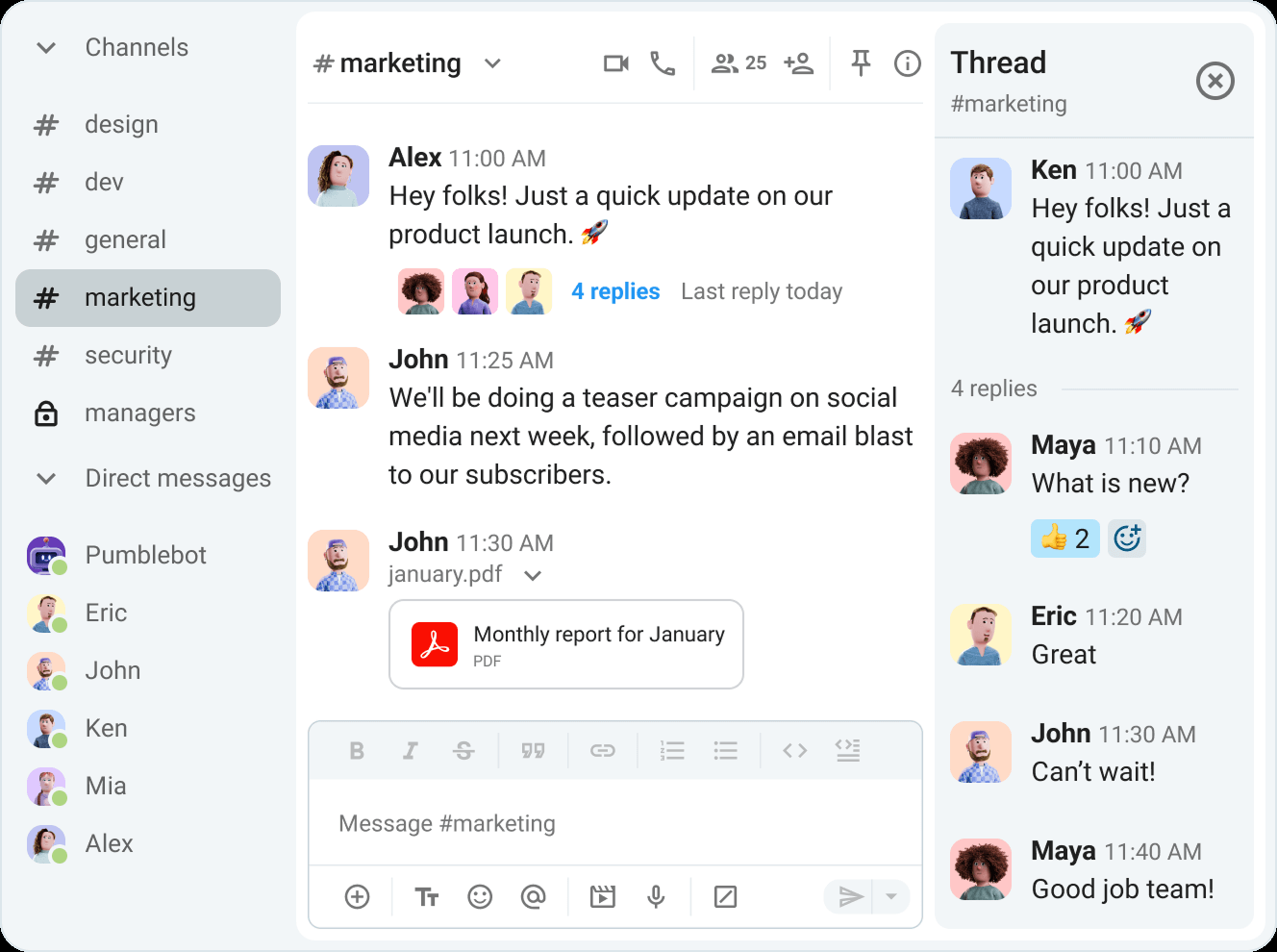
What sets Pumble apart from Slack isn’t the interface. That’s a fairly standard channel-and-thread layout. It’s the business model. Slack’s free tier acts like a trial with training wheels: 90 days of history, then it’s gone. Pumble’s free tier works more like a permanent product. History and users are unlimited. The upgrade trigger is call size and integration count, not a slow squeeze on your archive.
Key Features
- Unlimited message history and users — on the free tier, with no per-user cost until you need paid features.
- 1:1 voice and video calls — included on Free. Group video (up to 50 people) needs Pro or higher.
- Threads, reactions, and pinned messages — standard on every plan.
- Screen sharing and annotations — Pro tier and up. Useful for walkthroughs and design reviews.
- Guest access and permission management — Business tier. Matters once you bring clients or contractors into specific channels.
- Single sign-on and data retention controls — Enterprise tier, built for IT teams with compliance needs.
Product Overview
Pumble solves the same problem Slack solves: getting a team off scattered email and into searchable channels. The free plan drops the two limits that usually force an upgrade: message history and user count. In their place are limits smaller teams tend to feel less urgently, like group call size and app integrations. That’s a deliberate trade. A five-person text-first team gets a genuinely complete product for nothing. A team that lives in group video calls will hit Free’s 1:1-only limit fast.
Real-World Use Cases
- A bootstrapped 10-person startup runs entirely on Free. Channels handle async updates, 1:1 calls handle quick check-ins, and Slack’s per-seat cost never enters the picture.
- An agency managing outside contractors uses Business tier’s guest access. Clients see their project channel. Nothing else in the workspace.
- A remote team running daily video standups needs Pro at minimum. Free’s calls are 1:1 only, no group meetings at all.
- A CAKE.com customer already on Clockify or Plaky gets a real discount from the CAKE.com Bundle: $12.99 per user a month, instead of paying for all three separately.
Pricing
| Plan | Price (annual, per user) | Key additions |
|---|---|---|
| Free | $0 | Unlimited users, unlimited message history, 10 GB total storage, 1:1 calls |
| Pro | $2.49/mo | Group video (50 members), screen sharing, 10 GB storage per seat, up to 10 integrations |
| Business | $3.99/mo | Group video (100 members), guest access, user groups, 20 GB storage per seat, unlimited integrations |
| Enterprise | $6.99/mo | SSO, data retention controls, full analytics access, 100 GB storage per seat |
| CAKE.com Bundle | $12.99/mo | Enterprise Pumble, plus Clockify and Plaky, bundled together |
Monthly billing costs about 20% more per tier. Pro runs $2.99 a month billed monthly, versus $2.49 billed yearly. Pumble’s own materials put a 25-person Business-tier workspace at roughly $74.75 a month. A comparable Slack setup runs around $218.75 a month, by the same source. That figure comes from Pumble’s own marketing, so treat the exact percentage as a vendor claim. The underlying math does check out against each company’s published per-seat pricing.
Feature/Value Comparison: Pumble vs. Slack
| Pumble | Slack | |
|---|---|---|
| Free tier message history | Unlimited | 90 days |
| Free tier storage | 10 GB | 5 GB |
| Free tier support | 24/7 human support | Standard business hours |
| Paid entry price | $2.49/user/mo (annual) | Roughly $7.25/user/mo (annual, Pro tier) |
| Third-party integrations | Limited even on paid tiers | Extensive marketplace (Google Drive, Salesforce, and hundreds more) |
The integration gap doesn’t show up in the price comparison, but it’s real. Slack’s ecosystem is genuinely bigger. If your team depends on one specific niche integration, check Pumble’s app directory first. Several reviewers flagged limited third-party integrations as a real gap, even on paid plans.
Pros and Cons
| Pros | Cons |
|---|---|
| Free tier has no user cap or history limit — a genuine outlier here | Independent monitoring recorded 32+ incidents on the web app in roughly two years |
| 24/7 human support included even on the free plan | Video calls reported to fail on first connection by multiple reviewers |
| Clean, easy-to-learn interface that reviewers consistently praise | Mobile app quality lags noticeably behind desktop and web |
| Meaningfully cheaper than Slack at every paid tier | Third-party integrations stay limited even at the top tier |
Alternatives
- Slack — a deeper integration ecosystem and more mature enterprise features. You pay a real price premium and get a much stingier free tier.
- Discord — free and reliable at scale, but built for community servers, not structured business permissions and guest access.
- Microsoft Teams — the obvious pick if your company already runs on Microsoft 365. The Office integration is native, not bolted on.
Why the free-tier math actually matters here
Most team chat apps treat their free tier as a funnel, not a product. Slack’s 90-day history limit means a small team’s searchable knowledge quietly disappears unless someone pays. Pumble removed that lever. The business model instead leans on call size and integration count. That matters more to larger, automation-heavy teams than to a five-person startup coordinating over text. If your team is mostly async messaging plus the occasional 1:1 call, Pumble’s free tier isn’t a trial. It’s the whole product.
The reliability question independent monitoring raises
StatusGator, a third-party uptime tracker, recorded more than 32 outages on Pumble’s web app over roughly two years. Pumble Files had more than 16 over about a year. That’s a real, checkable number, not a guess. It sits in some tension with Pumble’s strong G2 (4.5/5) and Capterra (4.7/5) scores. Those ratings mostly reflect day-to-day satisfaction with the interface, not backend uptime. Both things can be true at once. Most users have a smooth day-to-day experience. The service also has a documented pattern of incidents. A team that needs always-on, mission-critical chat should weigh that before committing.
What the video call complaints actually describe
Several reviewers on Capterra and G2 describe one specific problem, not a vague one: calls that don’t connect on the first try. Sometimes it takes multiple attempts or a support ticket before the call works. That’s narrower than general instability. It points at the calling feature specifically, not the whole platform. If your team mostly uses text and 1:1 audio, this matters less. If group video is central to your workflow, test it with your own team before rolling it out company-wide.
Frequently Asked Questions
Is Pumble’s free plan really unlimited, with no catch?
For users and message history, yes. We checked that directly against Pumble’s own pricing page. The real catch is calls: Free only supports 1:1, not group video. Storage is also capped at 10 GB total for the whole workspace, not per user.
How does Pumble compare on price to Slack at a real team size?
At 25 users on a comparable mid-tier plan, Pumble runs roughly a third of Slack’s cost, based on each company’s published per-seat pricing. The gap narrows at Enterprise, where both platforms add compliance features that cost more.
Should I worry about the reported outages?
It depends on how critical always-on chat is to your team. The incident count is real and independently tracked. It doesn’t mean the service is down constantly. It means outages happen more often than a team relying on Pumble for 24/7 coordination should assume away. For most small teams using it alongside email and other tools, this is a real but manageable risk, not a dealbreaker.
Does Pumble integrate with Clockify and Plaky?
Yes. CAKE.com has been deepening that integration through 2026. Plaky added task-change notifications and link previews inside Pumble in mid-2026. If your team already uses Clockify or Plaky, price out the CAKE.com Bundle before buying Pumble on its own.
Is the mobile app good enough to rely on?
Multiple reviewers say it’s noticeably weaker than desktop and web. If your team works mostly from phones, test the app yourself first. This complaint shows up consistently enough across independent reviews that it isn’t just one unlucky user.
How We Scored This
| Criterion | Score | Why |
|---|---|---|
| Free tier value | 9/10 | Unlimited users and message history at zero cost is a genuine category outlier |
| Reliability evidence | 6/10 | Independent status monitoring shows a real, checkable pattern of incidents over two years |
| Ease of use | 9/10 | Consistently praised interface across G2, Capterra, and independent reviews |
| Claims accuracy | 7/10 | Core free-tier claims check out true; video call reliability doesn’t fully match the marketing |
Overall: 7.7/10. Methodology: each criterion is scored against the pricing page, independent third-party status monitoring, and a sample of recent G2 and Capterra reviews. Evaluated August 2026.
PROOF Score
Overall: 7.7 / 10 — Recommended. Scored under our PROOF methodology — five checkable pillars, not a vibe.
Final Decision
- Choose Free if: your team is mostly async and text-first, and you want a Slack-equivalent without the 90-day history clock.
- Choose Pro if: you need real group video meetings and screen sharing, not just 1:1 calls.
- Choose Business if: guest access for clients or contractors is a genuine need.
- Choose Slack instead if: your workflow depends on deep third-party integrations Pumble doesn’t cover yet, or reliable group video is non-negotiable.
How We Assessed This
Pricing above comes straight from Pumble’s own pricing page. Reliability figures come from StatusGator’s independent incident monitoring. Review sentiment is drawn from a sample of recent G2 and Capterra reviews. We haven’t run Pumble ourselves over an extended period, so claims about day-to-day stability rest on this third-party evidence, not first-hand testing. Disclosure: this page contains an affiliate link to Pumble — if you sign up through it, we may earn a commission at no extra cost to you. This does not affect our editorial recommendation or score.
Related
- Clockify review · Plaky review
- Best Business Operations Software 2026 — see how this fits alongside the others