Adobe Dreamweaver is a hybrid visual and code web editor, sold as part of Creative Cloud. It occupies an unusual position in 2026: a tool that once defined how websites were built, now largely bypassed by how the industry actually works.
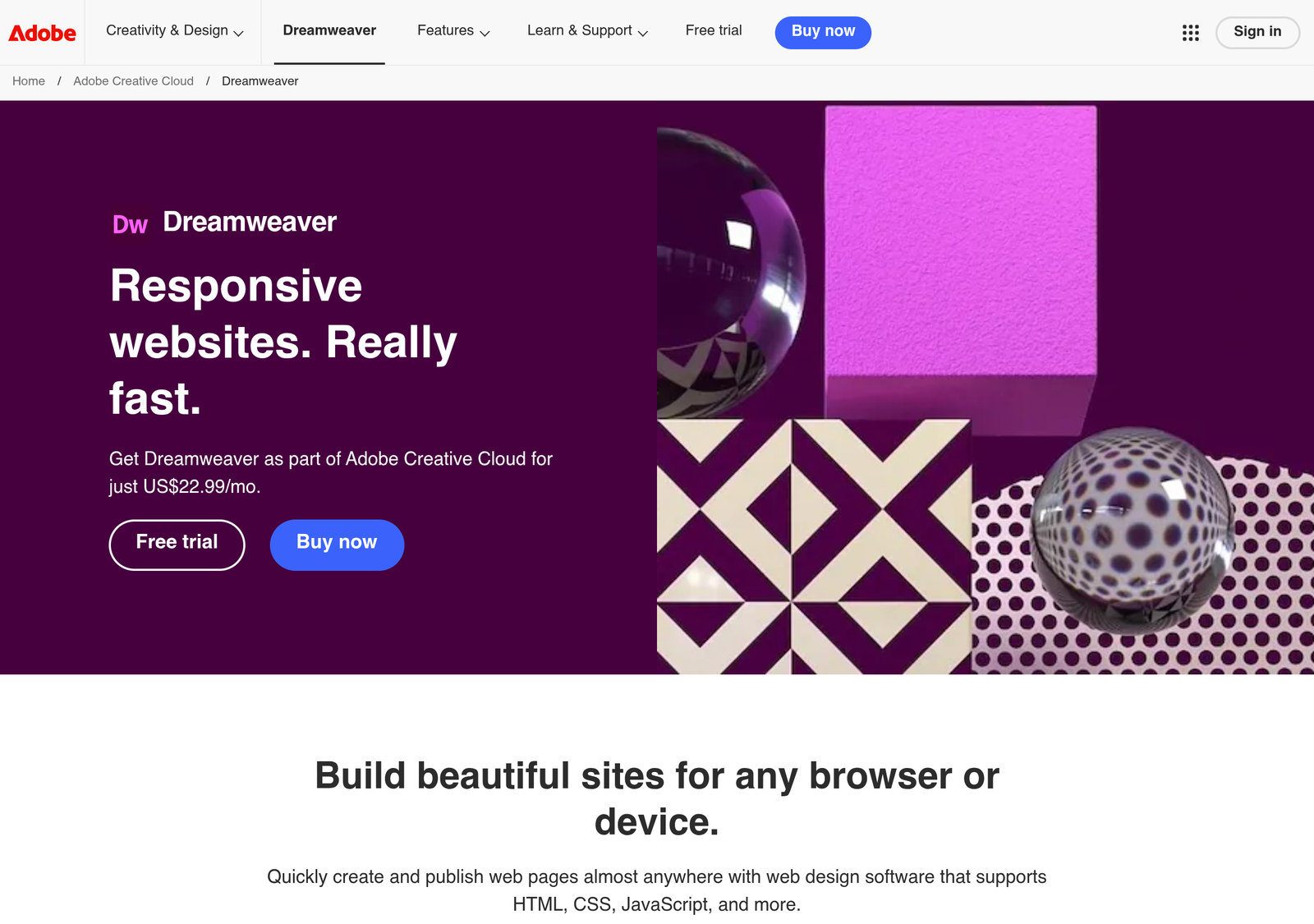
Two things need saying at the top, because both are widely misreported. Dreamweaver is not discontinued — it remains a current Creative Cloud application receiving updates. And it is subscription-only; there is no perpetual licence at any price.
Executive Answer
If you already subscribe to Creative Cloud and maintain hand-coded sites over FTP, Dreamweaver is a perfectly functional way to keep doing that. There’s no urgency to switch.
If you’re choosing a tool to learn web development in 2026, choose VS Code. It’s free, it’s what employers use, and every tutorial assumes it. Subscribing to Adobe specifically to get Dreamweaver is very difficult to justify.
Quick Verdict
| Category | Verdict |
|---|---|
| Best for | Existing Creative Cloud subscribers maintaining older hand-coded sites |
| Not ideal for | Anyone learning web development, or building with modern frameworks |
| Biggest strength | Integrated FTP site management with visual and code views side by side |
| Biggest weakness | Costs a subscription to compete with free tools that are better |
| Price | From about $20.99/month on an annual plan; $32.49 month-to-month |
| Discontinued? | No — still current in Creative Cloud, still updated |
| Overall | Situationally fine, rarely the right new purchase |
- Still genuinely convenient for FTP-based site management
- Actively maintained by Adobe
- Subscription pricing against a free, better-supported default (VS Code)
- Teaches a file-based workflow most employers no longer use
What It Still Does Well
Dreamweaver’s genuine remaining strength is integrated site management. It handles FTP and SFTP synchronisation natively — define a site, edit files, push changes to the server, all without leaving the application. Nothing about that is glamorous, and for someone maintaining a hand-coded site on shared hosting it is still tidier than assembling an editor plus a separate FTP client.
The split view, showing code and rendered output side by side, remains a reasonable way to learn how markup produces layout. Live preview updates as you type. For a certain kind of small, static, file-based site, the whole workflow is coherent in a way that a modern toolchain — editor, terminal, package manager, build step, deploy pipeline — simply isn’t.
It also handles the file-management chores that trip people up: tracking which local files differ from the server, uploading dependent assets alongside a page, and maintaining site-wide links when files move. Those are real problems, and Dreamweaver solved them well.
Why Most Developers Moved On
Modern web development runs on free editors — VS Code above all — with extension ecosystems Dreamweaver cannot match, plus Git for version control, package managers for dependencies, and build tools that Dreamweaver was never designed around.
Contemporary sites are also built differently. Component systems and frameworks replaced editing pages one file at a time, and the visual editing that was Dreamweaver’s original selling point doesn’t map onto that model. Against this workflow, Dreamweaver isn’t slightly behind — it’s answering a question the field stopped asking.
The version control point is the sharpest one. Git is not optional in professional work, and Dreamweaver’s relationship with it is peripheral where VS Code’s is native. If you work with anyone else, that alone settles it.
What It Costs, and What Free Costs
| Option | Price | Notes |
|---|---|---|
| Dreamweaver single app, annual plan | About $20.99–22.99/month | Annual commitment; roughly $239.88 prepaid for the year |
| Dreamweaver single app, month-to-month | About $32.49/month | No commitment, considerably more expensive |
| Creative Cloud All Apps | About $54.99/month | Includes Dreamweaver alongside everything else |
| VS Code | Free | Open source, cross-platform, the industry default |
There is no perpetual licence. Adobe moved everything to subscription years ago, so the correct comparison is not “what does it cost” but “what does it cost every year, indefinitely, versus a free alternative that most professionals consider better.”
What the Subscription Actually Adds Up To
Subscription cost calculator
Published Adobe pricing, August 2026. The alternative genuinely costs nothing.
Method: monthly price × 12 × years, using Adobe’s published single-app and All Apps rates. Subscription means access ends when payment stops, so the “what you own” row is not rhetorical — there is no perpetual licence. If you already pay for All Apps for other Adobe software, treat Dreamweaver as free at the margin and ignore this calculation entirely.
One important qualifier the calculator states but which bears repeating: if you already pay for Creative Cloud because you use Photoshop, Illustrator or InDesign, Dreamweaver costs you nothing extra. In that situation none of the above applies, and using it is entirely reasonable.
Who Might Still Want It
- Existing Creative Cloud subscribers. It’s included. If it fits your workflow, use it — the marginal cost is zero.
- Maintainers of older hand-coded sites. The FTP-based workflow matches how those sites were built, and rebuilding a working site to modernise its toolchain is rarely a good use of anyone’s time.
- People who want visual feedback while learning markup. Though Webflow serves that need better for design, and VS Code with a live-preview extension serves it better for code.
- Agencies with legacy client sites where consistency of tooling across a decade of files matters more than modernity.
If You Are Leaving, Here Is What Replaces What
The main reason people stay on Dreamweaver is not loyalty — it’s that the replacement isn’t one product, it’s several small pieces, and nobody explains which piece does what. Mapped directly:
| Dreamweaver feature | What replaces it |
|---|---|
| Code editing with hints | VS Code, with language extensions for HTML, CSS, PHP and JavaScript |
| Live preview / split view | A live-preview or Live Server extension, rendering in a real browser |
| FTP / SFTP site sync | An SFTP extension, or your host’s file manager for occasional edits |
| Site-wide link management | Project-wide find and replace, which is faster once you trust it |
| Template regions | A static site generator, or includes if you are on PHP |
| File versioning by hand | Git, which is better than any manual scheme and free |
Set up once, that stack costs nothing and does more. The honest caveat is that it takes an afternoon to assemble and configure, where Dreamweaver worked out of the box. That afternoon is the actual price of switching, and for someone maintaining a couple of small sites it may genuinely not be worth paying.
The reasonable middle path: keep Dreamweaver for the legacy sites it already manages, and use VS Code for anything new. There’s no rule requiring one editor.
Where It Falls Short
The Ecosystem Gap
VS Code’s extension marketplace covers essentially every language, framework and workflow, maintained by an enormous community. Dreamweaver’s extensibility is a fraction of that, and shrinking. Over a working life this compounds — the tool everyone else uses is the tool that gets support, tutorials and integrations.
No Real Place in a Modern Workflow
Git, package managers, build steps, framework CLIs, containers. Dreamweaver sits outside all of it. You can work around this, but you’re swimming against the current the entire time.
It Doesn’t Do What Modern Visual Tools Do
If the appeal is visual editing, the honest comparison isn’t VS Code — it’s Webflow or Squarespace. Those tools took the “design visually, get a real website” promise and actually delivered it for the modern web. Dreamweaver’s visual mode feels like what it is: an idea from an earlier era, maintained rather than reinvented — the gap our Dreamweaver vs Webflow comparison lays out directly.
Dreamweaver vs. the Alternatives
| Dreamweaver | VS Code | Webflow | Squarespace | |
|---|---|---|---|---|
| Cost | From $20.99/mo | Free | From $15/mo | From $16/mo |
| Visual editing | Yes, dated | Via extensions | Yes, its core | Yes, template-based |
| Code control | Full | Full | Partial | Limited |
| Built-in FTP | Yes | Via extensions | Not applicable | Not applicable |
| Git integration | Peripheral | Native | Not applicable | Not applicable |
| Industry adoption | Declining | Dominant | Growing in design | Strong for small business |
| Best for | Legacy hand-coded sites | Everything else | Designers | Non-technical owners |
Why the differences matter:
- Against VS Code: free versus subscription is only part of it. The deeper issue is that VS Code is what colleagues, tutorials, job listings and Stack Overflow answers assume. Using something else means translating constantly.
- Against Webflow: if you want to design visually and ship a real site, Webflow does that job properly. It’s also cheaper than Dreamweaver.
- Against Squarespace: if you just want a website and don’t care how, this comparison shouldn’t involve Dreamweaver at all.
Our Rating, and How We Reached It
Based on Adobe’s published pricing and product documentation, comparison against current alternatives, and aggregated user and industry reports, as of August 2026. No first-hand testing of the current release was carried out for this review.
| Criterion | Weight | Assessment |
|---|---|---|
| Value for money | 30% | Weak — subscription pricing against a free, better-supported default |
| Fit with modern workflows | 25% | Weak — sits outside Git, package managers and build tooling |
| Site management and FTP | 20% | Strong — still genuinely convenient for file-based sites |
| Learning suitability | 15% | Weak — teaches a workflow employers no longer use |
| Stability and support | 10% | Adequate — actively maintained, but not a priority product |
Limitations of this scoring: value is weighted for someone deciding what to buy. An existing All Apps subscriber should discount that row entirely, since their marginal cost is zero, and would reasonably rate the tool higher.
PROOF Score
Overall: 5.4 / 10 — Conditional. Scored under our PROOF methodology — five checkable pillars, not a vibe.
Frequently Asked Questions
Is Dreamweaver discontinued?
No. It remains a current Creative Cloud application and still receives updates, though it gets far less development attention than Adobe’s flagship products.
How much does Dreamweaver cost?
About $20.99/month on an annual plan (roughly $239.88 prepaid for a year), around $22.99 on annual-billed-monthly, or about $32.49 month-to-month. Creative Cloud All Apps is about $54.99/month.
Can I buy Dreamweaver outright?
No. Adobe is subscription-only; access ends when you stop paying.
Should I learn Dreamweaver to get a web development job?
No. Learn HTML, CSS, JavaScript, Git and VS Code — that’s what job listings ask for.
Is Dreamweaver good for beginners?
The split view is a decent way to see how code produces layout. But you’d be learning a workflow the industry has left behind, and paying for the privilege.
Does Dreamweaver work with WordPress?
You can edit theme files and push them over FTP, but it isn’t a WordPress development environment in any meaningful sense.
What’s the best free alternative?
VS Code, with a live-preview extension if you want visual feedback and an FTP extension if you need file syncing.
Should You Use Dreamweaver?
Choose it if:
- You already pay for Creative Cloud and it costs you nothing extra
- You maintain older hand-coded sites deployed over FTP
- The integrated site-management workflow genuinely saves you time
Avoid it if:
- You’re learning web development
- You’d be subscribing to Adobe specifically for this
- You work with others, or need Git as a first-class part of your workflow
- You’re building anything with a modern framework
Best alternative if:
- You want to write code: VS Code, free
- You want to design visually: Webflow
- You just want a website: Squarespace
Best plan if you do buy it:
The annual single-app plan at about $20.99/month. Month-to-month costs roughly 55% more for the same software, which only makes sense for a short, defined project.
Bottom line:
Dreamweaver is not the abandoned relic some reviews claim — it’s current, maintained, and still good at the specific job of managing and publishing file-based websites. But “still works” is not the same as “worth buying.” The free alternative is better supported, better integrated with how work actually gets done, and costs nothing. Keep using Dreamweaver if you already have it and it suits you. Don’t start paying for it now.
Adobe pricing varies by region and changes periodically. Figures cited are current as of August 2026 — verify on Adobe’s own pricing page before purchasing.
Disclosure: some links on this page may be affiliate links. If you purchase through them we may earn a commission at no extra cost to you. This does not affect our editorial recommendations.
Compare with a popular alternative
From $20.99/month
Stronger at: Integrated FTP site management with code and visual views side by side
Main limitation: Subscription-only, and sits outside Git and modern build tooling
From $15/month
Stronger at: Delivers the visual-editing promise for the modern web, and costs less
Main limitation: Steep learning curve, and no FTP workflow for existing hand-coded sites
Alternatives worth comparing