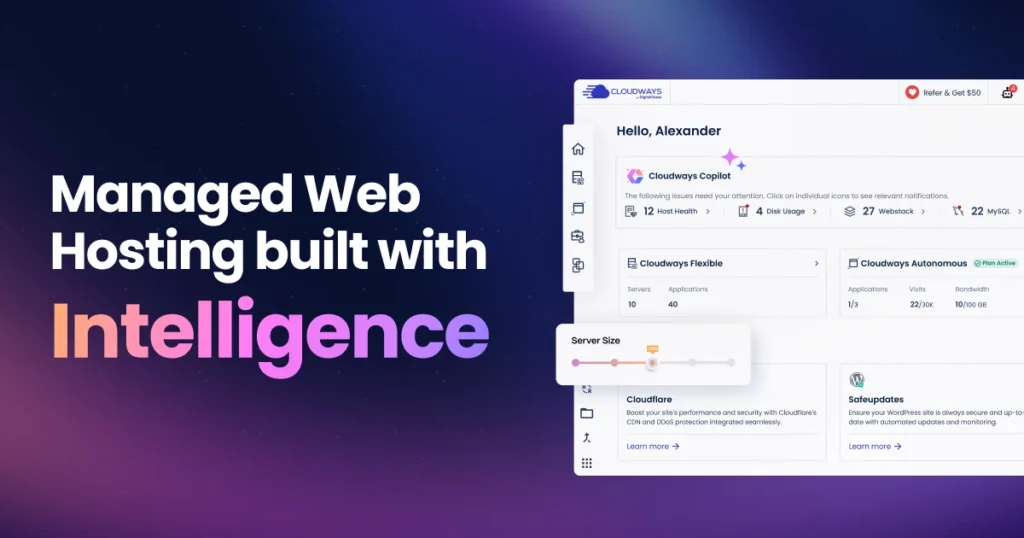
Cloudways sells something slightly unusual: it does not own the servers you rent from it. You pick a cloud provider — DigitalOcean, Vultr, Linode, AWS, or Google Cloud — choose a server size, and Cloudways manages the software stack on top. You get cloud infrastructure without becoming a system administrator.
That model creates the question this review exists to answer: you can rent the same underlying server directly from the same provider, usually for less. So what exactly are you paying Cloudways for, and is it worth the difference?
Executive Answer
Cloudways is worth paying for if you would otherwise be configuring and maintaining a server yourself, and your time is worth more than the management fee. It is a strong fit for agencies and freelancers running many sites, and for site owners who have outgrown shared hosting but do not want a raw VPS.
It is the wrong choice if you need email hosting in the same account, if you need root access, or if you were never going to touch the server anyway — in which case a cheaper managed host serves you equally well.
Quick Verdict
| Category | Verdict |
|---|---|
| Best for | Agencies, freelancers, and multi-site owners who want cloud performance without server administration |
| Not ideal for | Anyone needing root access, bundled email, or a single tiny site on a minimal budget |
| Biggest strength | Unlimited sites and unlimited traffic per server, across five infrastructure providers |
| Biggest weakness | No root access, no built-in email, and add-on costs that push the real price above the headline |
| Value for money | Strong for multiple sites; unremarkable for one small site |
| Pricing model | From $14/month, billed hourly, no contract |
| Overall | Recommended for the multi-site use case; check the two structural limits below before committing |
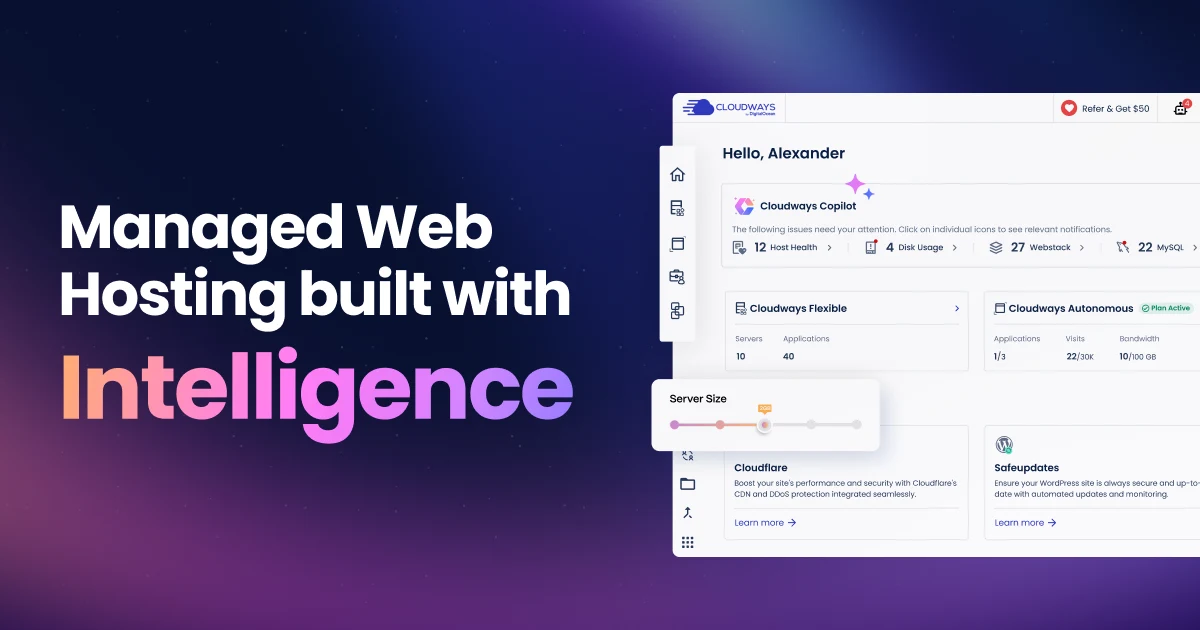
- Unlimited sites and traffic per server across five infrastructure providers
- Server deploys with no command line required
- No root access — a real blocker for some applications
- Add-ons like CDN and email push the real price above the headline
What Cloudways Actually Does
When you launch a server on Cloudways, it provisions a machine on your chosen provider’s infrastructure and installs its own managed stack on it. You never see a bare Ubuntu box. What you get instead is a control panel where you deploy applications, manage domains, pull backups, and open staging environments.
The five infrastructure choices matter more than they first appear. DigitalOcean, Vultr, and Linode are the budget-friendly options and cover most WordPress use cases. AWS and Google Cloud cost more but bring specific regions, compliance postures, and network characteristics that some clients require. Being able to place a site on Google Cloud without learning Google Cloud is a real advantage for an agency answering to a client with infrastructure preferences.
What Comes Included
- Free SSL certificates, issued and renewed automatically
- Unlimited applications per server — you are limited by server resources, not by a plan’s site count
- Unlimited websites and unlimited visits — no traffic metering, a meaningful difference from visit-capped managed WordPress hosts
- Automated backups, scheduled or on demand
- Staging environments on every application
- A server-level firewall (Imunify360)
- A multi-layer caching stack, including Redis and Object Cache Pro
- 24/7 support access
The “unlimited apps per server” detail is the one agencies care about. Where a traditional managed WordPress host charges per site, Cloudways lets you consolidate several small client sites onto one server and pay once — the same per-site math our agency hosting comparison uses to rank multi-site hosts. That is where the economics tilt in its favour.
What Costs Extra
The add-on list is where budgets drift, and most reviews skip past it. Priced separately as of August 2026:
| Add-on | Starting price | What it does |
|---|---|---|
| Cloudflare Enterprise CDN | $4.99 / domain / month | Edge caching and security; often assumed to be included, it isn’t |
| Rackspace Email | $1 / mailbox / month | The only mail option — there is no built-in email hosting |
| Site Manager | $3 / app / month | Bulk site management tooling |
| Malware Protection | $4 / app / month | Application-level scanning and cleanup |
| DNS Made Easy | $0.50 / domain / month | Managed DNS |
| Advanced Support | $100 / month | Priority escalation tier |
Add a CDN and a couple of mailboxes to a small server and the real monthly cost is noticeably above the headline plan price. Price the add-ons you actually need before comparing Cloudways to anything else.
Pricing, and the Comparison That Actually Matters
Cloudways starts at $14 per month across all five providers, billed hourly with no contract — up from the roughly $11 many comparisons (including an earlier version of this review) still quote. Pay-as-you-go billing is genuinely useful: you can spin a server up for a migration test and destroy it the same week without committing to a year.
The comparison people actually want is Cloudways versus renting the same machine directly. That answer comes with a caveat worth stating plainly: Cloudways’ plan ladder is reported inconsistently across review sites, with different sources listing materially different prices for the same tier. Some of that is standard-versus-premium server variants, some is stale promotional pricing that never got updated. Rather than repeat a number that may be wrong, here is DigitalOcean’s own basic droplet pricing, which you can check against whatever Cloudways quotes you today:
| RAM | vCPU | SSD | Transfer | DigitalOcean direct (Aug 2026) |
|---|---|---|---|---|
| 512 MB | 1 | 10 GB | 500 GB | $4 / month |
| 1 GB | 1 | 25 GB | 1 TB | $6 / month |
| 2 GB | 1 | 50 GB | 2 TB | $12 / month |
| 2 GB | 2 | 60 GB | 3 TB | $18 / month |
| 4 GB | 2 | 80 GB | 4 TB | $24 / month |
| 8 GB | 4 | 160 GB | 5 TB | $48 / month |
The method is simple. Find the Cloudways plan you are considering, match its RAM, vCPU and storage to the row above, and the gap is the management fee. Then ask whether that monthly gap is less than the value of the hours you would spend patching, tuning, and recovering a server yourself — our DigitalOcean vs. Cloudways comparison runs that same trade-off with real numbers.
Work Out Your Own Break-Even
Rather than tell you whether the management fee is “worth it” in the abstract, use your own numbers. Enter what Cloudways quotes you, what the equivalent direct server costs, and what your time is worth.
Cloudways break-even calculator
Is the management fee cheaper than doing it yourself? Enter your own figures — nothing is assumed for you.
Method: management fee = Cloudways price minus direct server price. Break-even = management fee ÷ your hourly rate, shown as the time you’d have to spend self-managing before the fee pays for itself. This is a time-value comparison only — it excludes the cost of downtime, security incidents, and your own risk tolerance, all of which favour managed hosting. Figures are yours, not ours.
One thing the arithmetic will not capture: on Cloudways you also stop paying for your own mistakes. A misconfigured server that goes down at 2am is someone else’s problem to fix.
Real-World Use Cases
- An agency consolidating client sites. Ten small brochure sites on one adequately sized server, each with its own staging environment, billed once instead of ten times.
- A WooCommerce store outgrowing shared hosting. Object caching addresses the database bottleneck that actually slows carts and checkouts. If that store also runs paid ads, compare how each host handles a traffic spike in our dropshipping hosting guide.
- A content site with unpredictable traffic. No visit caps means a post going viral raises your server load, not your bill tier.
- A client with infrastructure requirements. “It must run on Google Cloud in Frankfurt” becomes a dropdown selection rather than a new skill set.
The DigitalOcean Acquisition, and What Changed
DigitalOcean announced its acquisition of Cloudways in August 2022 and completed it the following month, in an all-cash deal valued at $350 million. That matters to a buying decision in a way most acquisitions don’t, because DigitalOcean is simultaneously Cloudways’ parent company and one of the five infrastructure options you can choose inside it.
User sentiment since then has been mixed, and it would be dishonest to present it otherwise. Recurring themes across review platforms and community discussion include slower support escalation, heavier reliance on automated first-line chat support, and billing surprises. Long-term customers frequently draw a line between “old Cloudways” and the current product. Set against that, uptime and response-time measurements published by independent reviewers have remained strong through 2025 and 2026, and the platform has kept shipping features.
The fair reading — and this is analysis, not a documented fact: infrastructure quality does not appear to have degraded, while support responsiveness reportedly has. If support quality is your deciding factor, weight it accordingly, noting that support experience is exactly where a handful of loud reports can distort the picture in either direction.
A Claim Worth Correcting
Several review pages currently state that Cloudways removed Vultr and the other non-DigitalOcean providers after the acquisition. As of August 2026, that is not accurate — Cloudways’ own pricing page still lists DigitalOcean, Vultr, Linode, AWS and Google Cloud as selectable options, all starting around the same entry price.
It is a plausible thing to expect a parent company to do, which is probably why the claim spread. But if choosing your own infrastructure provider is your reason for considering Cloudways, verify it on the pricing page rather than trusting any review — including this one — since this is precisely the kind of thing that could change.
New: Managed AI Agents (August 2026)
Cloudways just launched a new product line, Managed AI Agents, offering managed deployment of two open-source agents (OpenClaw and Hermes) through the existing platform. It’s a genuinely useful addition if you were already planning to self-host one of those two agents and wanted the infrastructure handled — it isn’t a reason on its own to choose Cloudways for standard web/app hosting if you have no interest in either agent. See our full breakdown of Managed AI Agents for what it actually does and what to check before using it.
Two Structural Limits to Understand Before You Buy
No Root Access
You get SSH and SFTP access, and you can work with your application files freely. What you do not get is root. Cloudways manages the server stack, which means you cannot install arbitrary system packages, swap the web server, or make configuration changes outside what the platform exposes. See how this compares to full root access on other hosts in our SSH access comparison.
For a standard WordPress, WooCommerce, Laravel or Magento deployment this is rarely a problem. For an application with unusual system dependencies, it is a hard blocker — and it is the single most common reason developers reject Cloudways. Check your requirements against it before migrating anything.
No Email Hosting, and No Domain Registration
Cloudways does not host mailboxes and does not sell domains. Email is available only as a paid Rackspace add-on, and domains must be registered elsewhere.
This catches out small business owners migrating from shared hosting, where hosting, domain and email arrived in one bundle. It is not a defect — separating mail from web hosting is arguably better practice. But it is extra setup and extra cost the headline price does not show. If you want one bill for everything, a shared host such as GreenGeeks or a managed WordPress host like WPX fits that expectation better.
Performance and the Caching Stack
Cloudways’ performance story rests on its stack rather than exotic hardware. Multi-layer caching combines Varnish, Redis, Memcached and Object Cache Pro — the premium Redis object-caching plugin for WordPress — alongside its own Breeze caching plugin. Object caching in particular makes a real difference to WooCommerce and other database-heavy sites, where uncached queries are usually the bottleneck.
Independent reviewers publishing ongoing measurements have reported consistently strong uptime and stable response times. Treat any specific millisecond figure with caution — results vary by server size, region, and the site tested — but the direction of the evidence is favourable.
The company also offers Cloudways Autonomous, a separate Kubernetes-based WordPress product that scales resources automatically with traffic and distributes requests across load balancers. It targets sites with spiky traffic, where a fixed server size means either overpaying constantly or falling over during a spike. It is a different product with different pricing, so evaluate it separately rather than assuming it is an upgrade path.
Pros and Cons
| Strengths | Weaknesses |
|---|---|
| Unlimited sites and unlimited traffic per server | No root access — a hard blocker for some applications |
| Choice of five infrastructure providers | No built-in email hosting or domain registration |
| Hourly, pay-as-you-go billing with no contract | Add-ons (CDN, email, malware protection) inflate the real cost |
| Strong caching stack including Object Cache Pro | Support responsiveness widely reported as declining since 2022 |
| Staging, backups, SSL and firewall included | You cannot transfer the server to your own provider account |
| Consistently strong uptime in independent measurements | Costs more than the same machine bought direct |
Alternatives, and When to Choose Them
| Cloudways | Raw VPS (DigitalOcean, Vultr) | Managed WordPress (Kinsta, WP Engine) | Budget shared hosting | |
|---|---|---|---|---|
| Starting price | $14/month | From $4/month | Premium tier | Lowest |
| Server management | Handled for you | Entirely yours | Handled for you | Handled for you |
| Root access | No | Yes | No | No |
| Choice of infrastructure | Five providers | Whatever you pick | Fixed by the host | Fixed by the host |
| Traffic limits | None | None | Usually visit-capped | Soft resource limits |
| Email hosting | Paid add-on | Not included | Usually not included | Usually included |
| Sites per plan | Unlimited per server | Unlimited | Often one or few | Varies |
| Main limitation | No root, no email | You are the sysadmin | Cost and visit caps | Shared resources |
Why the differences matter in practice:
- Choose a raw VPS instead if you need root, already manage Linux servers competently, and would genuinely do the maintenance. You keep the management fee.
- Choose premium managed WordPress instead if WordPress-specific support matters more than price. Cloudways supports the server; hosts like Kinsta employ people who will debug a plugin conflict with you — see our Cloudways vs. Kinsta comparison for the full head-to-head.
- Choose budget shared hosting instead if you run one small site and want domain, email and hosting on a single bill. Hostinger is the obvious example; our Hostinger vs Cloudways comparison covers that trade-off in detail.
- Stay with Cloudways if you are running several sites, want no traffic caps, and value provider choice.
Our Rating, and How We Reached It
This assessment is based on Cloudways’ official documentation and pricing pages, published independent uptime and response-time measurements, and aggregated user reports across review platforms and community discussion, as of August 2026. It does not reflect first-hand long-term testing by this site, and it is not a benchmark study — treat it as a weighted synthesis of documented facts and third-party evidence.
| Criterion | Weight | Assessment |
|---|---|---|
| Value for money | 25% | Strong for multi-site use, average for a single small site |
| Performance and caching | 20% | Strong — multi-layer caching, good independent uptime record |
| Flexibility and control | 20% | Mixed — five providers and unlimited apps, but no root access |
| Ease of use | 15% | Strong — deploying a server needs no command line |
| Support | 10% | Weakest area — consistent reports of slower escalation since 2022 |
| Completeness of offering | 10% | Weak — no email, no domains, key features sold as add-ons |
Limitations of this scoring: weights reflect what matters to this site’s audience of agencies and multi-site owners. A solo blogger would reasonably weight value higher and flexibility lower, and reach a different conclusion. Support is scored from reported user experience, which is inherently skewed toward complaints.
PROOF Score
Overall: 8.2 / 10 — Recommended. Scored under our PROOF methodology — five checkable pillars, not a vibe.
How to Decide in Five Minutes
- Do you need root access? If yes, stop here — use a raw VPS.
- Do you need email in the same account? If yes, and you won’t run mail separately, choose a shared host.
- How many sites are you running? Several, and the economics get strong fast. One small site, and cheaper options serve you equally well.
- Would you genuinely manage the server yourself? Be honest. If yes, go direct and keep the difference.
- Price the add-ons. Add CDN, mailboxes and any protection you need before comparing against anything else.
Frequently Asked Questions
Is Cloudways only for WordPress?
No. It supports Laravel, Magento, Drupal and plain PHP applications, though WordPress is the most common use and has the best-documented path.
Does Cloudways include email hosting?
Not natively. Email is available only through a paid Rackspace add-on priced per mailbox, or via an external provider such as Google Workspace.
Do I get root access?
No. You get SSH and SFTP for application-level work, but the server stack is managed and not open to root-level changes.
Is Cloudways cheaper than going straight to DigitalOcean?
No — the same machine costs less direct. You are paying a management fee for the stack, control panel, backups, staging and support.
Can I move to the underlying provider later?
Not as a transfer. The server belongs to Cloudways’ account with that provider, so leaving means migrating your site to a new server you own. Plan for a migration, not a handover.
Did DigitalOcean buying Cloudways make it worse?
Infrastructure and uptime appear unaffected. Support responsiveness is where users consistently report a decline.
Is the CDN included?
No. Cloudflare Enterprise CDN is a paid add-on charged per domain per month.
Is there a free trial?
Cloudways has historically offered a free trial period, and billing is hourly, so a short evaluation costs very little either way. Confirm current trial terms at signup.
Should You Buy Cloudways?
Choose it if:
- You run several sites and want them on one server without per-site fees
- You have outgrown shared hosting but don’t want to administer a VPS
- You need a specific cloud provider or region without learning that provider’s console
- Your traffic is unpredictable and visit caps would penalise you
Avoid it if:
- You need root access or have unusual system-level dependencies
- You want hosting, domain and email on one bill
- You are comfortable managing Linux servers and would actually do it
- You run one brand-new site with no traffic — start cheaper and migrate later
Best alternative if:
- You need WordPress-level support: a premium managed WordPress host
- You need full control: a raw VPS from DigitalOcean or Vultr
- You need everything bundled cheaply: a shared host like GreenGeeks or WPX
Best plan for most users:
The smallest DigitalOcean-based server that comfortably fits your sites. Because billing is hourly and scaling is available on demand, starting small and sizing up on evidence costs less than guessing high — and you can move up without migrating.
Bottom line:
Cloudways occupies a genuinely useful middle ground: cheaper and more flexible than premium managed WordPress hosting, far less work than running your own VPS — see how it stacks up against the rest of the field in our hosting comparison. Judge it on the single question that decides it — are you paying Cloudways to do work you would otherwise have to do yourself? If yes, it is good value, and the multi-site economics are among the best available. If you were never going to touch the server, cheaper managed hosting will make you just as happy. If you were always going to manage it yourself, go direct and keep the difference.
If your site still feels slow after switching hosts, the bottleneck usually is not the plugin count — see our guide on why your WordPress site is slow before you start disabling plugins at random.
Pricing, plan tiers and add-on availability change frequently. Figures cited are current as of August 2026 — verify on the provider’s own pricing page before purchasing.
Disclosure: some links on this page may be affiliate links. If you purchase through them we may earn a commission at no extra cost to you. This does not affect our editorial recommendations.
Compare with a popular alternative
From $11/month
Stronger at: Unlimited sites and traffic per server, across five infrastructure providers
Main limitation: No root access and no built-in email hosting
From $35/month
Stronger at: Raw performance and WordPress-literate support, with the CDN included
Main limitation: Far more expensive, and overage fees are uncapped
Alternatives worth comparing