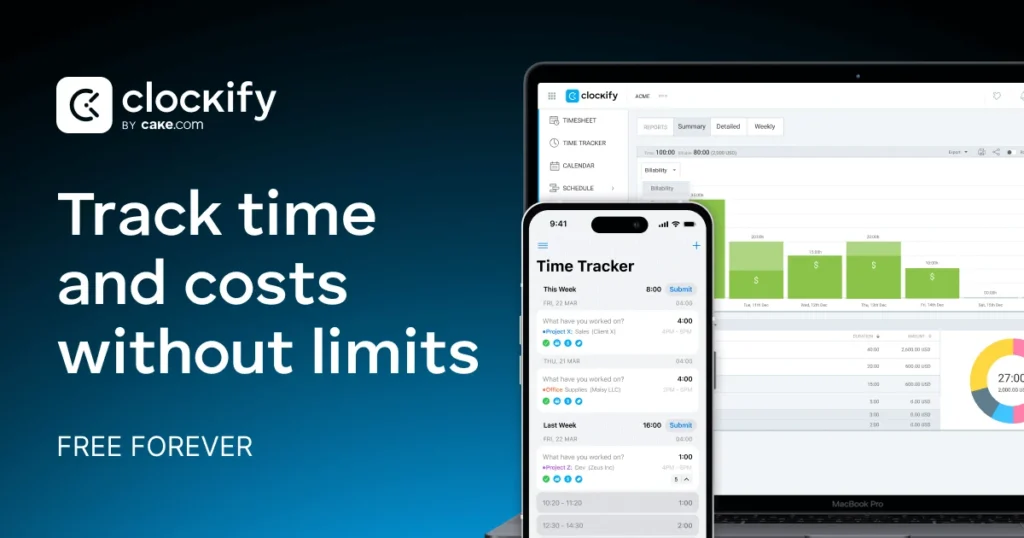
Executive answer: Clockify is a time-tracking platform built around an unusually generous free tier: unlimited tracking, unlimited projects, unlimited users, at zero cost. Most competitors in this category meter their free plan by user count or project count. Clockify’s doesn’t. It’s worth choosing specifically because most small teams will never need to pay. The paid tiers exist for genuine feature gaps — invoicing, approvals, GPS tracking — rather than to lift an artificial usage cap.
Quick Verdict
| Best for | Any team, regardless of size, that wants unlimited time tracking without a per-user cost until a specific paid feature is needed |
| Not ideal for | Teams that need invoicing or approval workflows from day one — those sit behind Standard, not Free |
| Biggest strength | The free tier has no user-count ceiling, unusual in this category |
| Biggest weakness | Advanced features (budgets, GPS, custom fields) are gated behind the Pro tier, a real jump from Standard |
| Value for money | Excellent at Free and Basic; fair at Pro once you’re paying specifically for budget/forecasting features |
| Overall | Recommended as a default starting point for time tracking, upgrade only when a specific paid feature is the actual gap |
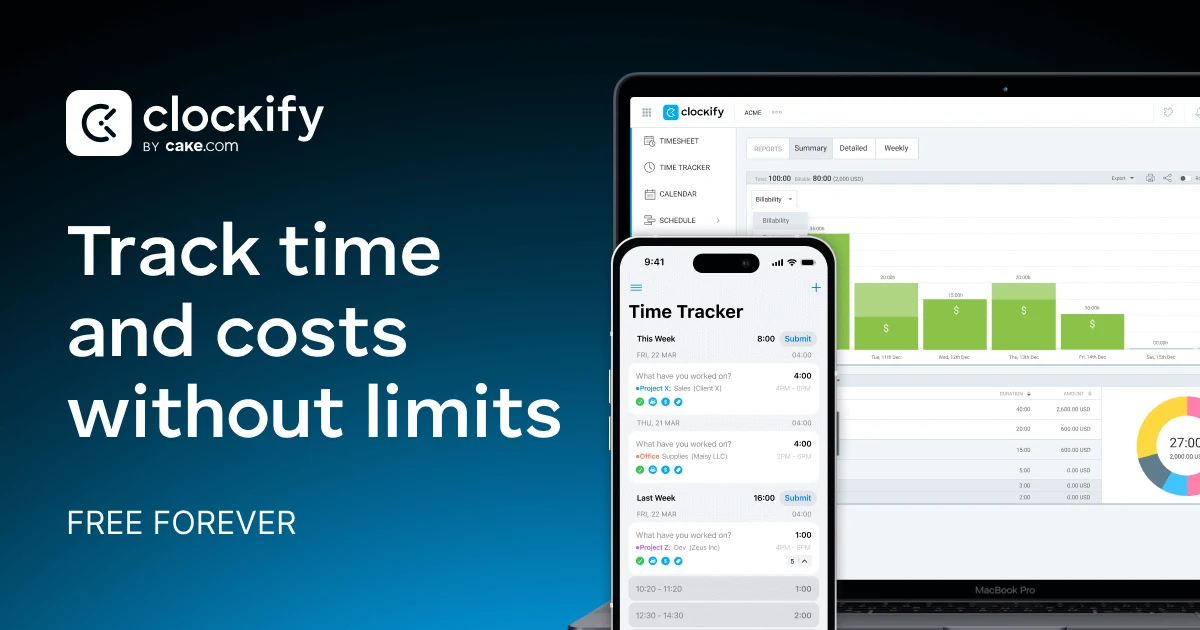
- Free forever plan is a genuine standout for freelancers and small teams
- Quick to set up — a solid first tracking tool for teams leaving spreadsheets behind
- Desktop-to-web sync lag can create duplicate time entries
- Mobile app is the weakest part — slower and buggier than desktop
What Clockify Actually Is
A time-tracking tool at its core — start a timer, or add time manually, against a project and a task. What differentiates it from competitors isn’t the tracking mechanism itself, which is fairly standard across the category. It’s the pricing structure. The free tier supports unlimited users tracking unlimited time across unlimited projects, where most competitors cap free usage at a handful of users or a limited project count.
Key Features
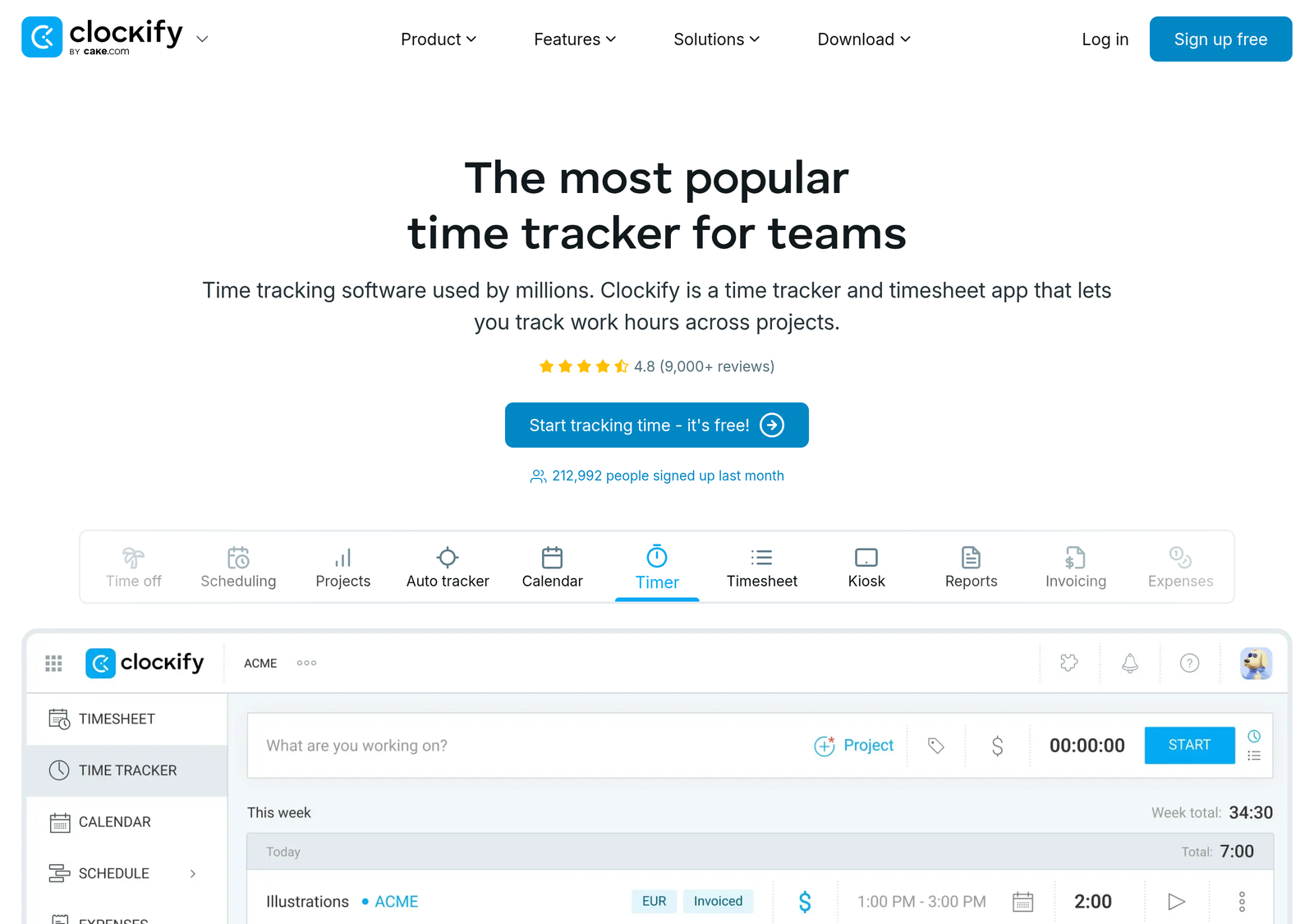
- Unlimited tracking, projects, and users — on the free tier, not gated to a small team size.
- Auto tracker and idle detection — free tier, catches time you forgot to log manually and flags inactive tracked time.
- Billable rates — Basic tier and up, tagging tracked time with a rate for client billing purposes.
- Invoicing — Standard tier, generating an invoice directly from tracked billable time rather than exporting to a separate tool.
- Budget and forecasting — Pro tier, projecting project cost against tracked time and hours remaining.
- GPS tracking and screenshots — Pro tier, relevant specifically for field teams or accountability-focused remote work monitoring.
Product Overview
Clockify solves a specific problem: knowing where time actually went, on what project, billable or not. That sounds simple, but the gap it closes is real. Without a tracking tool, “how many hours did we spend on this client” is usually a guess reconstructed from calendar entries and memory. That’s both inaccurate and useless for pricing future work correctly. Clockify’s answer is a timer, or manual entry, tied to a project and task. Entries get aggregated into reports you can filter by person, project, or date range, then either exported or, on higher tiers, turned directly into an invoice.
Real-World Use Cases
- A 15-person agency runs entirely on the Free tier for time tracking and reporting, since the user count doesn’t trigger any cost. The trigger to upgrade is a specific need like invoicing, not team growth itself.
- A freelance consultant billing multiple clients uses Basic’s billable rates to tag tracked time per client. They export for their own invoicing process without needing Standard’s built-in invoicing.
- A construction or field-services company uses Pro’s GPS tracking to confirm on-site time for hourly workers. That’s a use case none of the lower tiers address at all.
- An agency billing clients directly through the platform uses Standard’s invoicing and approval workflow to turn tracked time into an approved, sent invoice. No separate accounting tool is needed in the loop.
Pricing
| Plan | Price (annual) | Key additions |
|---|---|---|
| Free | $0 | Unlimited users, projects, tracking; auto tracker, idle detection |
| Basic | $3.99/seat/mo | Billable rates, bulk edit, time estimates, project templates |
| Standard | $5.49/seat/mo | Invoicing, time off, approvals, QuickBooks integration |
| Pro | $7.99/seat/mo | Budget/forecasting, GPS tracking, screenshots, custom fields |
| Enterprise | $11.99/seat/mo | SSO, SCIM, audit log, custom subdomain |
Estimate your team’s annual cost
Uses annual per-seat rates. Free stays $0 regardless of team size, which is the whole point of this tier.
Feature/Value Comparison: Clockify vs. Toggl Track
| Clockify | Toggl Track | |
|---|---|---|
| Free tier users | Unlimited | Up to 5 |
| Free tier projects | Unlimited | Unlimited |
| Paid entry price | $3.99/seat/mo (annual) | ~$9/seat/mo (annual) |
| Reporting depth | Solid at all tiers | Generally considered slightly more polished |
Pros and Cons
| Pros | Cons |
|---|---|
| Free tier has no user-count ceiling — a genuine differentiator in this category | Invoicing sits behind Standard, not included free or on Basic |
| Five clear, published tiers with no hidden fees | Pro tier’s budget/forecasting jump is a real price increase from Standard |
| QuickBooks integration on Standard, useful for teams already using it | GPS and screenshot monitoring (Pro) may raise privacy/trust questions with a remote team if introduced without discussion |
Alternatives
- Toggl Track — a smoother timer UX and generally considered stronger reporting, at a meaningfully higher price and a 5-user cap on its own free tier.
- Timely — AI-driven automatic tracking that builds a timesheet from background activity rather than manual timer starts. A different mechanism entirely, worth considering if manual timer discipline is the actual problem you’re solving.
- Harvest — pairs time tracking with expense tracking natively, a reasonable alternative if expense management alongside time is a bigger priority than Clockify’s broader feature spread.
Manual timers vs. AI-inferred tracking
Clockify, like Toggl Track, relies on the user actually starting and stopping a timer, or entering time manually after the fact. This is the more common model in the category, and it’s straightforward. But it depends entirely on discipline. Forgetting to start a timer means that time simply isn’t tracked, unless caught by idle detection after the fact. Timely’s alternative approach infers time from background activity and lets you approve a draft timesheet. That removes the discipline requirement, but it introduces its own trade-off. More passive activity monitoring runs in the background, and some users and teams are uncomfortable with that regardless of stated privacy protections. Neither approach is objectively better. They suit different levels of comfort with monitoring versus manual effort.
Detailed Analysis
Why the unlimited-users free tier is the real story
Most competitors in this category, Toggl Track included, cap their free tier at a small user count specifically to convert growing teams into paying customers. Clockify’s free tier removes that lever entirely. A 20-person team pays exactly what a 2-person team pays on Free, which is nothing. The business model instead relies on feature-based upgrades (invoicing, budgets, SSO) rather than a seat-count trigger. For a team that will never need those specific features, Clockify is functionally free forever, regardless of how large the team grows. It’s a genuinely different economic proposition than the rest of the category.
Where the GPS and screenshot features need a conversation, not just a toggle
Pro tier’s GPS tracking and screenshot capture are real, useful features for specific use cases like field services or outsourced hourly work. But deploying employee monitoring features without clearly communicating it first is a fast way to damage trust with a remote team. If you’re considering Pro specifically for these features, treat the rollout as a policy conversation with your team, not just a settings change.
Who should actually be worried about the Pro-tier jump
The gap from Standard ($5.49/seat) to Pro ($7.99/seat) is a real one, and it’s worth being honest about who it’s for. If your team’s actual need is invoicing and approvals, Standard covers it completely and Pro adds nothing you’d use. Paying for Pro anyway because it’s “the next tier up” is the kind of subscription creep worth avoiding on principle. Pro earns its price specifically for budget forecasting against project scope, or for GPS/screenshot accountability in field or outsourced work. If neither applies to you, Standard is very likely your ceiling, not a stepping stone.
Frequently Asked Questions
Is the free tier really unlimited, with no catch?
Verified directly against Clockify’s own pricing page: unlimited users, projects, and tracking with no published cap. The paid tiers add specific features (invoicing, budgets, SSO) rather than removing a usage limit. That’s a different upgrade motivation than most competitors.
Do I need Standard for invoicing, or does Basic cover it?
Standard specifically. Basic adds billable rates and reporting depth, but not the invoicing workflow itself. If turning tracked time into a sent invoice inside the platform matters to you, budget for Standard, not Basic.
Is GPS tracking mandatory on Pro, or optional per user?
We could not independently confirm whether GPS/screenshot features can be selectively enabled per team member versus applied account-wide. Confirm this directly before rolling out Pro to a team where blanket monitoring would be inappropriate.
Does Clockify integrate with project management tools?
Clockify is part of the same company (CAKE.com) that also offers a project management tool (Plaky) and a team chat tool (Pumble), bundled together in the CAKE.com Bundle tier. Check current third-party integrations, like Asana or Trello, directly if you need Clockify to sit alongside an existing PM tool rather than replace it.
Can I export my data if I switch to a different tool later?
Time-tracking data is typically exportable as CSV from platforms in this category, and Clockify offers export functionality from Basic tier up. Confirm the current export format directly if you’re planning a specific migration. Granular export capability, like custom export, is itself a paid-tier feature rather than universally available on Free.
Is Clockify suitable for a single freelancer, or is it overkill?
Not overkill at all. The free tier works identically whether you’re a team of one or twenty. A solo freelancer gets the same unlimited tracking and reporting as a large team, at the same zero cost. The only reason a freelancer would need a paid tier is wanting built-in invoicing (Standard) rather than exporting time data to a separate invoicing tool.
How We Scored This
| Criterion | Score | Why |
|---|---|---|
| Free tier value | 10/10 | Unlimited users and projects at zero cost is a genuine category outlier |
| Pricing transparency | 9/10 | All five tiers published with exact per-seat pricing |
| Feature depth at paid tiers | 7/10 | Invoicing, budgets and GPS are real value, reasonably distributed across tiers |
| Reporting polish | 7/10 | Solid and functional; competitors like Toggl Track are generally considered slightly more refined |
Overall: 8.25/10. Methodology: each criterion scored against the evidence in the pricing and feature tables above. Evaluated August 2026.
PROOF Score
Overall: 7.8 / 10 — Recommended. Scored under our PROOF methodology — five checkable pillars, not a vibe.
Final Decision
- Choose Free if: you need time tracking and reporting only — this covers a genuinely large share of small-team needs at zero cost, regardless of team size.
- Choose Basic if: billable rates and reporting depth matter but invoicing doesn’t.
- Choose Standard if: you want to invoice clients directly from tracked time.
- Choose Pro if: budget forecasting or field-team GPS tracking is a genuine operational need, not a nice-to-have.
How We Assessed This
Every price above is taken directly from Clockify’s own pricing page at the time of writing. Disclosure: this page contains an affiliate link to Clockify — if you sign up through it, we may earn a commission at no extra cost to you. This does not affect our editorial recommendation or score.
Related
Compare with a popular alternative
Free; paid from $3.99/seat/mo (annual)
Stronger at: Free tier has no user-count ceiling — unlimited users, projects and tracking at $0
Main limitation: Reporting is solid but generally considered less polished than Toggl Track's
~$9/seat/mo (annual)
Stronger at: Smoother timer UX and generally considered stronger reporting
Main limitation: 5-user cap on its own free tier, and a meaningfully higher price
Alternatives worth comparing