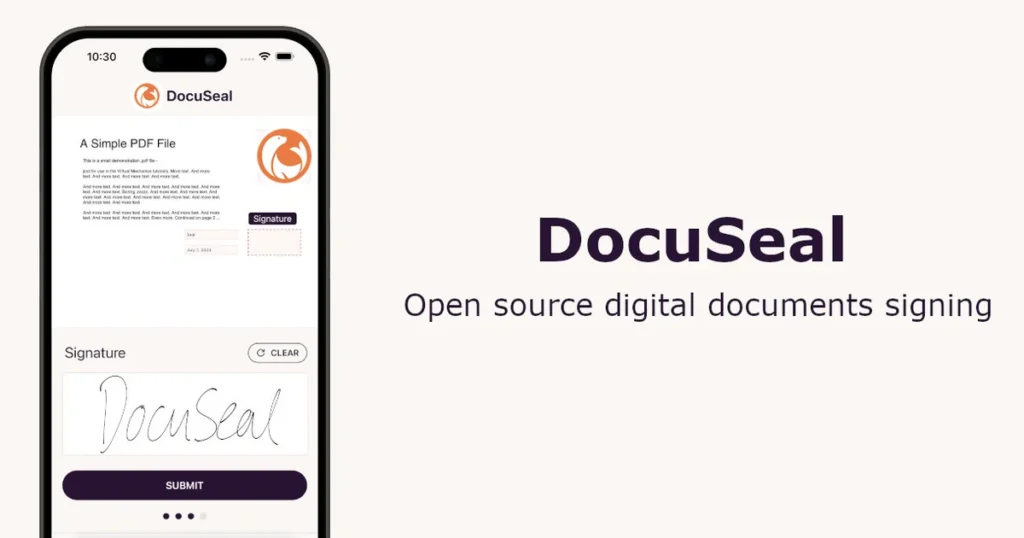
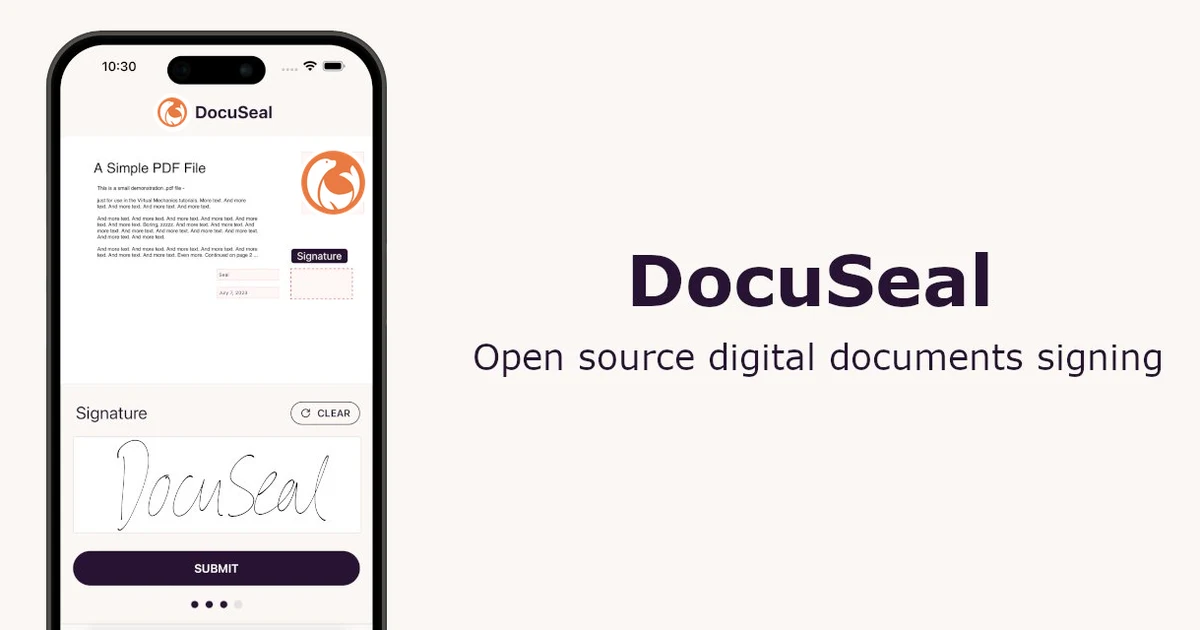
Executive answer: DocuSeal is an open-source e-signature platform. It’s the genuinely free, self-hostable option in a category most competitors treat as strictly commercial. If data control and no per-envelope metering matter more than convenience, this is the one worth checking before defaulting to a hosted commercial tool like BoldSign.
Quick Verdict
| Best for | Technical teams needing full data control, or anyone wanting genuinely free e-signature with no envelope metering |
| Not ideal for | A non-technical team that just wants to send a document for signing today without touching server configuration |
| Biggest strength | The Open Source tier is genuinely free, self-hosted, with no envelope cap — a rare offer in this category |
| Biggest weakness | Self-hosting means you own uptime, updates, and your own SMTP configuration |
| Value for money | Exceptional if you have the technical capacity to self-host; fair if using the cloud tiers instead |
| Overall | Recommended specifically for data-control-conscious or budget-constrained technical teams |
- Docker self-hosting takes under 20 minutes, one container and one database
- 4.9/5 on G2 across 260+ reviews — genuinely well-regarded
- No SOC 2 certification, a real blocker for regulated-industry buyers
- iframe-based embedding limits styling and brand consistency
What DocuSeal Actually Is
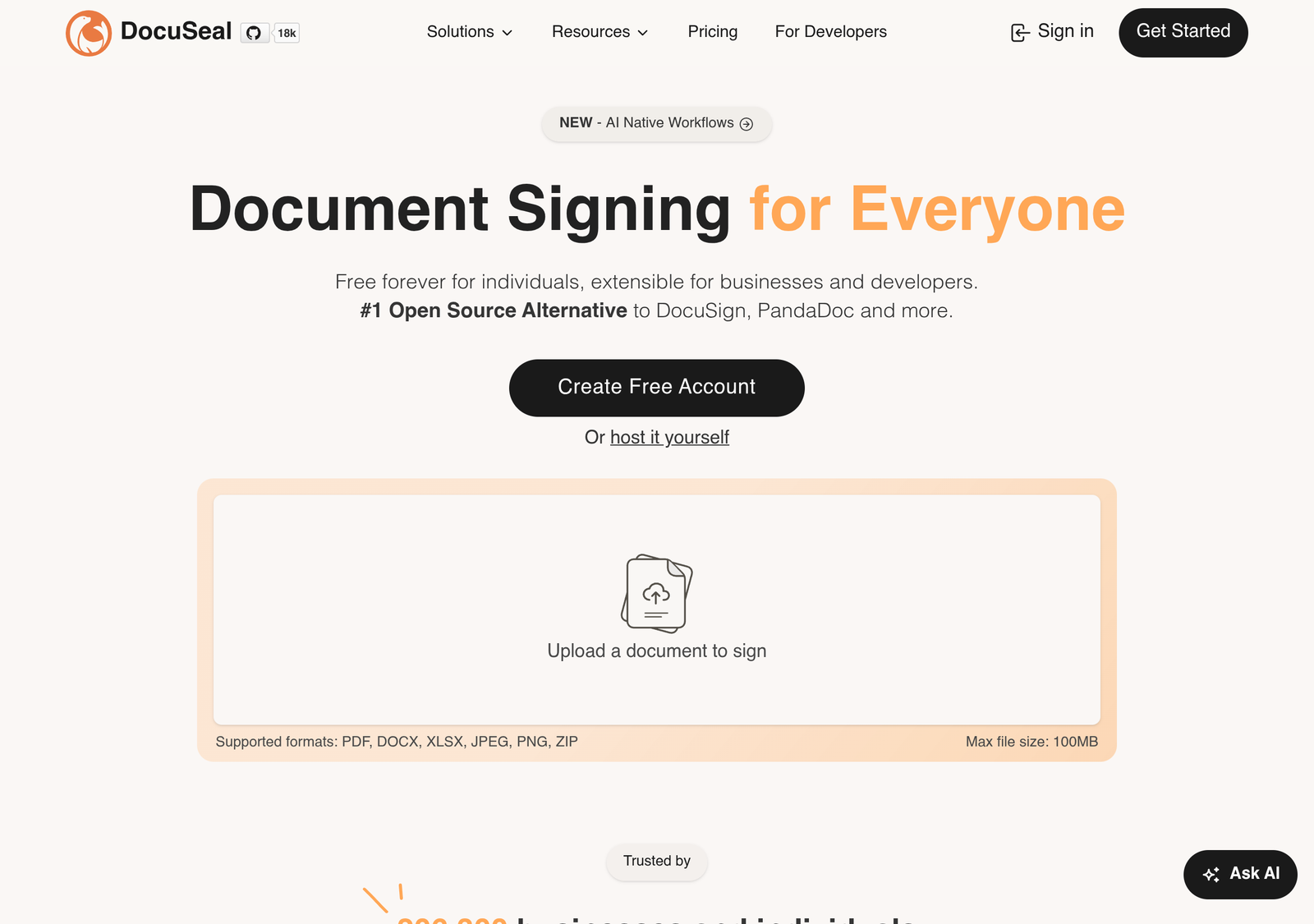
Core e-signature functionality: upload a document, define signature fields, send for signing, get a legally binding signed result with an audit trail. The self-hosted Open Source version runs on your own infrastructure under the AGPLv3 licence. That means the source is fully available and you can modify or audit it. The commercial Pro tiers, cloud or on-premises, add SSO, payment collection, and white-labelling on top of the same core function.
Key Features
- Legally-binding e-signatures — the same legal standard applies regardless of whether you self-host or use the cloud version.
- Indefinite document retention — on the Open Source tier specifically, since you control the storage yourself with no vendor-imposed retention limit.
- Self-hosting under AGPLv3 — full source availability, genuine ability to audit or modify the platform.
- Payment collection (Pro tiers) — collecting payment as part of a signing workflow, useful for contracts that bundle a deposit or fee.
- SSO/SAML (Pro tiers) — enterprise authentication integration, not available on the free tiers.
- API access (Pro tiers) — for embedding signing into your own product or workflow.
Real-World Use Cases
- A healthcare or legal services business with genuine data residency requirements self-hosts DocuSeal specifically because third-party document storage is a compliance concern, not a convenience preference.
- A budget-constrained startup self-hosts the Open Source tier to get e-signature functionality at zero licensing cost. They accept the trade-off of managing their own server and SMTP configuration.
- A team that doesn’t want to manage a server uses Cloud Pro at $20/user/month, getting DocuSeal’s feature set without any self-hosting responsibility. It’s a middle path between the free self-hosted tier and BoldSign’s comparable cloud pricing.
- A developer building a white-label product that needs signing embedded under their own brand uses On-Premises Pro specifically for the white-label option. They run DocuSeal on infrastructure they control while presenting it as part of their own product, rather than a visibly third-party tool.
- An open-source software company chooses DocuSeal on principle as much as price. Using an AGPLv3-licensed tool for internal document signing aligns with a company’s own open-source values in a way a closed commercial platform doesn’t.
Key Features, In Practice
The AGPLv3 licence specifically means that if you modify DocuSeal’s code and offer it as a network service to others, you’re obligated to release your modifications. That’s a stronger copyleft provision than a permissive licence like MIT. For most self-hosting users running it internally rather than reselling a modified version, this distinction doesn’t create any practical obligation. It’s still worth understanding if you’re considering building on top of DocuSeal’s codebase rather than just running it as-is.
Pricing
| Plan | Price | What’s included |
|---|---|---|
| Open Source (self-hosted) | Free | Full e-signature functionality, indefinite document retention, community support via GitHub, requires your own SMTP setup |
| Cloud Basic | Free | Hosted version, limited to 10 signature request emails/month |
| Cloud Pro | $20/user/mo | Unlimited signature requests, payment collection, SSO/SAML, API access |
| On-Premises Pro | $20/user/mo | Commercial licence for self-hosted deployment, white-label options, full data control |
Which tier actually fits you
Feature/Value Comparison: DocuSeal vs. BoldSign
| DocuSeal | BoldSign | |
|---|---|---|
| Self-hosting | Genuinely free, open-source (AGPLv3) | Not offered |
| Free cloud tier | 10 envelopes/mo | 25 envelopes/mo, 1 user |
| Paid cloud entry price | $20/user/mo | $5/user/mo (annual) |
| Best for | Data control, compliance-sensitive teams | Cloud-first small businesses on a budget |
Pros and Cons
| Pros | Cons |
|---|---|
| Genuinely free, unlimited self-hosted tier with no envelope cap | Self-hosting requires real technical capacity and your own SMTP setup |
| Full source availability under AGPLv3, genuinely auditable | Cloud Pro is more expensive per user than BoldSign’s equivalent tier |
| No vendor lock-in on document storage if self-hosted | Community-only support on the free self-hosted tier |
Alternatives
- BoldSign — cheaper cloud pricing and a more generous free cloud tier (25 vs. 10 envelopes), if self-hosting isn’t a requirement for you.
- DocuSign — the market leader; worth it specifically if you need its larger integration ecosystem and neither DocuSeal nor BoldSign’s ecosystem covers your specific workflow.
DocuSeal vs. running your own custom solution
Some technical teams consider building signature functionality themselves rather than adopting any third-party tool, open-source or otherwise. DocuSeal is worth weighing against that option specifically because it removes the legal and technical complexity of implementing e-signature validity correctly. Audit trails, tamper-evidence, and signer verification are genuinely harder to get right than they look, and a mistake has real legal consequences if a signed document is ever disputed. Self-hosting DocuSeal captures most of the “we control our own infrastructure” benefit of building in-house, without the risk of an amateur e-signature implementation.
Detailed Analysis
What self-hosting actually costs, beyond the license
“Free” for the Open Source tier means free of licensing cost specifically. You still need a server to run it on, and your own SMTP configuration for sending signature request emails. You also need the technical capacity to handle updates and troubleshooting yourself. For a team with existing DevOps capability, this genuinely is close to free. For a team without that capability, the real cost is either hiring someone to set it up or the opportunity cost of your own time. That may exceed BoldSign’s $5/user/month if you value your time realistically.
Is a self-hosted e-signature actually legally binding?
DocuSeal states its signatures are legally binding regardless of hosting method. The legal validity comes from the signing process and audit trail, not from where the software runs. Confirm this specifically satisfies your jurisdiction’s e-signature requirements if you’re in a regulated industry, since requirements vary by country and sector.
Who is actually responsible for uptime on the self-hosted version?
You are, entirely. Self-hosting means DocuSeal’s team has no involvement in keeping your instance running. If your signing infrastructure needs a guaranteed uptime commitment, an SLA, that’s specifically what the commercial cloud tiers provide and the free Open Source tier does not. Weigh this honestly against your own team’s operational capacity before choosing self-hosting for anything business-critical.
Can I migrate from BoldSign or DocuSign to DocuSeal later?
Historical signed documents from either platform are typically exportable as standard PDFs, preserving the record even if the audit trail format differs. But active templates and in-progress signature workflows generally don’t transfer automatically between platforms. Budget a migration as rebuilding templates in DocuSeal, not a one-click import, regardless of which platform you’re coming from.
Frequently Asked Questions
Is self-hosted DocuSeal actually free, with no catch?
Yes, for the Open Source tier specifically. There’s no licensing fee, under a genuine open-source licence (AGPLv3). The cost is your own time and infrastructure: you provide the server, configure your own SMTP for sending emails, and handle your own updates and support. The commercial tiers otherwise provide all of that for you.
What’s the real difference between Cloud Pro and On-Premises Pro?
Both cost the same per user; the difference is entirely about where it runs. Cloud Pro is DocuSeal’s own hosted infrastructure. On-Premises Pro is the same commercial feature set under a paid licence, but running on servers you control.
How hard is it to actually self-host DocuSeal?
We could not independently benchmark exact setup time. DocuSeal publishes an installation process via Docker, which is a reasonably standard deployment method for a team with existing container experience. Confirm the current documentation’s specific requirements before assuming it’s a trivial setup, though, if your team is new to self-hosting web applications.
What does “your own SMTP setup” actually mean, and is it hard?
Self-hosted DocuSeal needs to send emails: signature requests, reminders, confirmations. Unlike a fully-hosted commercial platform, it doesn’t include an email-sending service by default. You connect it to an SMTP provider, a transactional email service or your own mail server, to handle that. For most self-hosters this means signing up for a service like SendGrid, Postmark, or Amazon SES and adding the credentials to DocuSeal’s configuration. It’s a well-documented, common pattern for self-hosted software, not a novel obstacle. But it is a real extra step beyond “install and go” that a cloud tier doesn’t require.
Is AGPLv3 a problem for commercial use?
Running DocuSeal internally, using it to send and manage your own company’s signature requests, carries no AGPLv3 obligation beyond the licence terms of running the software itself. The copyleft provision specifically triggers if you modify the code and offer that modified version as a network service to third parties. A typical business simply using DocuSeal for its own signing needs, unmodified, isn’t affected by that clause in any meaningful way.
How We Scored This
| Criterion | Score | Why |
|---|---|---|
| Data control | 10/10 | Full self-hosting under a genuine open-source licence — the strongest option in this comparison |
| Free tier value | 7/10 | Self-hosted tier is excellent; cloud free tier’s 10-envelope cap is tighter than BoldSign’s |
| Ease of use for non-technical teams | 5/10 | The best offer (self-hosting) requires real technical capacity to access |
| Cloud pricing competitiveness | 6/10 | $20/user/month is higher than BoldSign’s equivalent tier |
Overall: 7/10. Methodology: each criterion scored against the evidence above. Data control scored highest because it’s a structural advantage no commercial-only competitor can match. Evaluated August 2026.
PROOF Score
Overall: 7.4 / 10 — Recommended. Scored under our PROOF methodology — five checkable pillars, not a vibe.
Community support vs. paid support, honestly
The Open Source tier’s support is community-based: GitHub issues, documentation, whatever help the community provides, with no guaranteed response time. For a technical team comfortable debugging their own infrastructure issues, this is a reasonable trade for zero licensing cost. For a team that would genuinely struggle without vendor support on call, that gap is worth pricing into the “free” tier’s real cost. It isn’t truly free if a problem costs you days of downtime you can’t resolve alone.
Final Decision
- Choose DocuSeal Open Source if: you have the technical capacity to self-host and data control matters to you.
- Choose DocuSeal Cloud if: you want DocuSeal’s feature set without managing a server, and $20/user/month is acceptable.
- Choose BoldSign instead if: you want cloud-only, cheaper per-user pricing, and don’t need self-hosting.
How We Assessed This
Every price above is taken directly from DocuSeal’s own pricing page at the time of writing. Disclosure: this page contains no affiliate links currently — the product URL is a plain link.
Related
- BoldSign review — the cloud-first alternative
- Best open source SEO tools
Compare with a popular alternative
Free self-hosted (Open Source); Cloud Basic free (10 env/mo); Cloud Pro $20/user/mo
Stronger at: Genuinely free, unlimited self-hosted tier under AGPLv3 with no envelope cap
Main limitation: Self-hosting requires real technical capacity and your own SMTP setup
From $5/user/mo (annual)
Stronger at: Cheaper cloud pricing and a more generous free cloud tier (25 vs. 10 envelopes)
Main limitation: No self-hosting option at any price
Alternatives worth comparing